
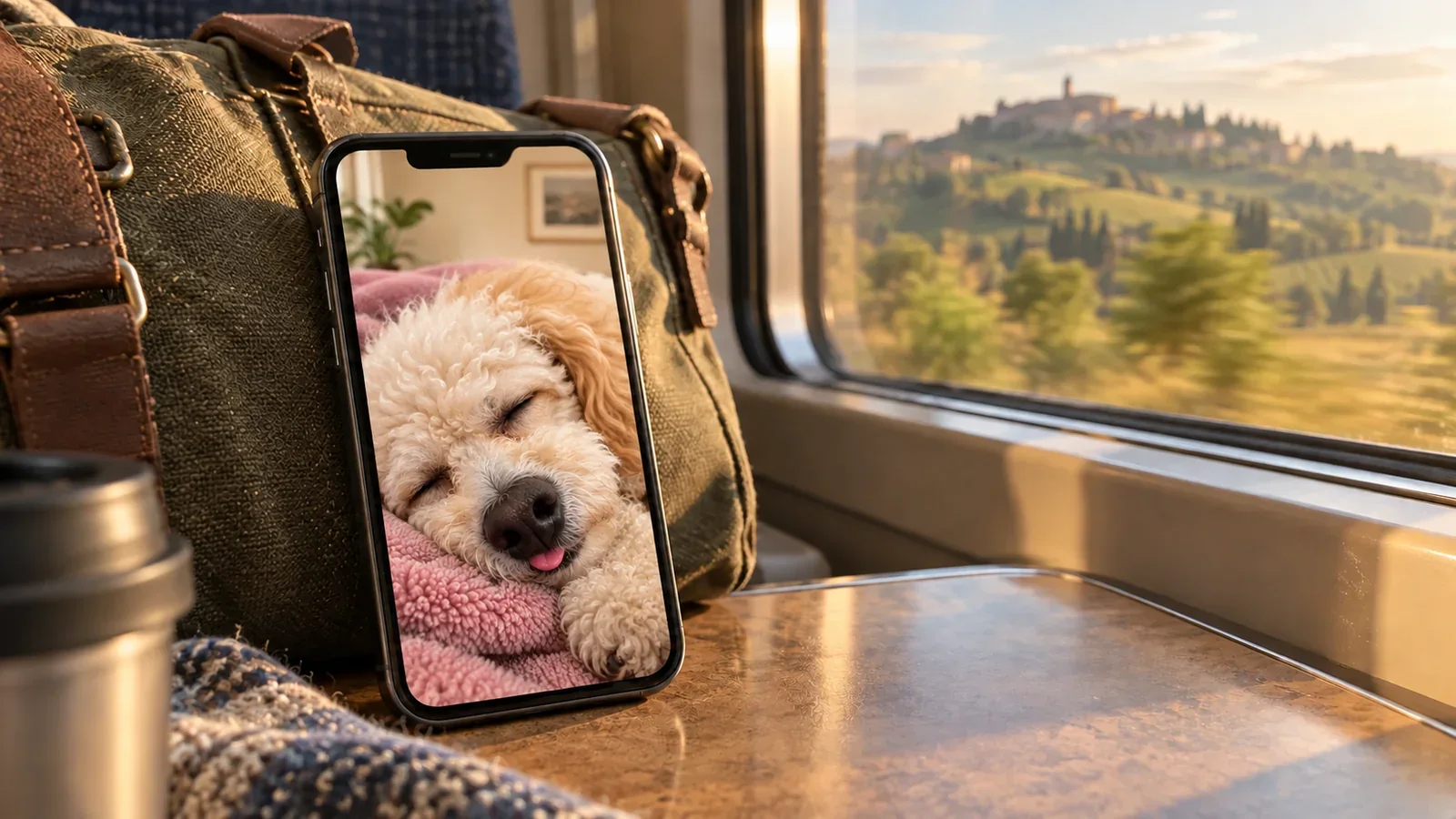
You can enjoy a trip and still miss your dog. A few favorite photos, a simple way to receive real updates from home, and a familiar little phone companion can each have a place—without keeping you on your phone all day.
Often it is not the busiest part of traveling that brings the feeling on. It is getting back to an unfamiliar room, opening a snack nobody is trying to steal, or realizing there is no familiar face waiting by the door.
You do not have to choose between enjoying where you are and keeping a little of home close.
Illustrated travel scene. The poodle pair below is a creative illustration; the later iPhone widget image shows the actual product.
Before you go, choose one ordinary moment from home
Pick a picture you like returning to, rather than searching for a perfect portrait. It might be the face your dog makes when you pack, the sleepiest corner of the sofa, or a nose pushed much too close to the camera.
Put it in a small album that is easy to find. You can add one short clip if hearing or seeing a familiar habit matters to you. Keep the original files somewhere safe; a phone character is not an archive of those memories.
This is not homework for the trip. One picture you actually love can mean more than an elaborate collection you feel obliged to keep updating.
Separate “I miss that face” from “I need an update”
Before leaving, agree with the person caring for your dog on a practical way to stay in touch. If you are traveling across time zones, decide when an ordinary message will be useful for both of you, rather than expecting immediate replies every time you open your phone.
For example, a photo after your dog’s evening walk might arrive while you are asleep. You can enjoy it over breakfast where you are, with a separate agreement about how the caregiver should reach you if something needs your attention. That leaves ordinary updates easy for both sides.
A new photo from home answers a different need from a saved favorite. It shows a real moment someone has chosen to share. If you have a practical question about your dog, ask the caregiver directly.
A virtual companion gives you a familiar face to visit; the caregiver remains your source of real news from home.
Give a familiar face a little life of its own
Sometimes you are not looking for news. You just want a small hello while you wait for a train or settle into the room after a day out.
PetPip starts a virtual companion from your photo or drawing, so the character can carry something you already recognize. You can hatch it, give it a home, feed it, and return for a touch interaction. This blog is written by the team making PetPip.
The internal creative below pairs a cream poodle’s sleepy close-up with a little illustrated character based on the same dog. The closed eyes, unruly curls, and tiny tongue tip are the details that make this ordinary moment recognizable.
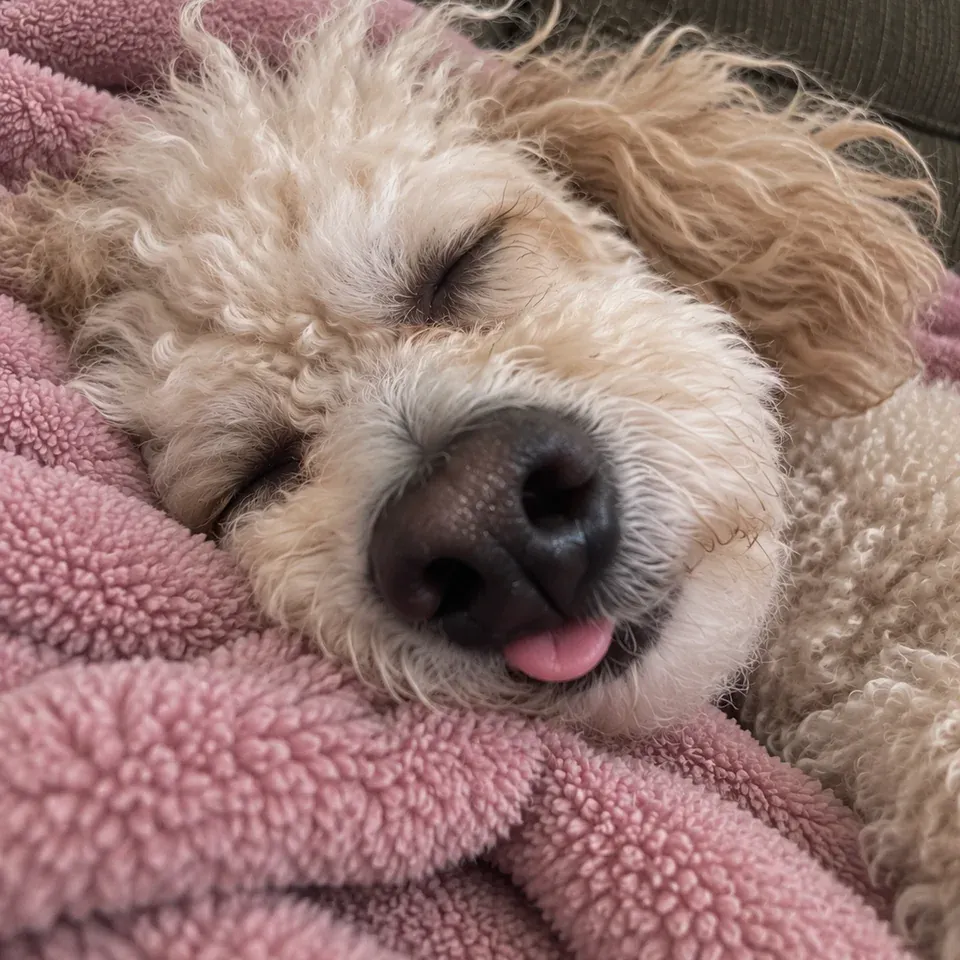
A familiar expression
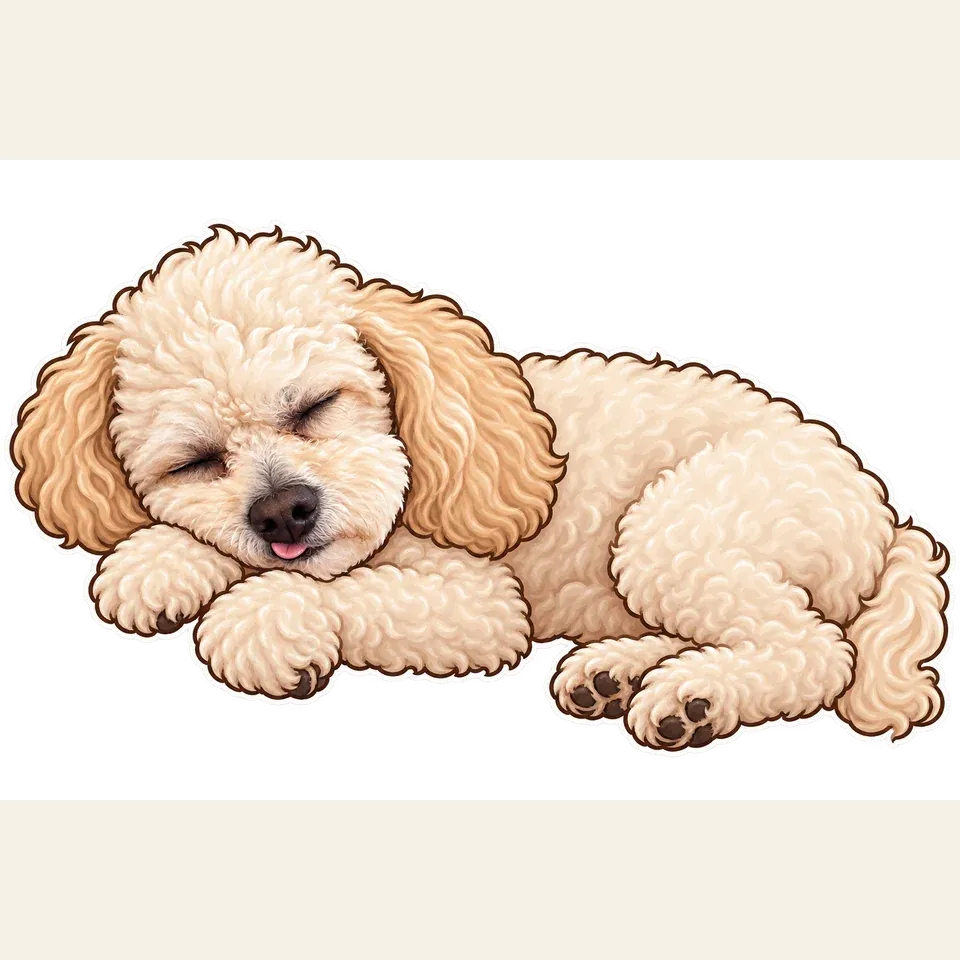
The same sleepy idea, as a character
This pair illustrates the details you might want to recognize in a companion. If you want help choosing the starting moment, see how to choose a meaningful pet photo.
Find a place for it that does not take over the trip
On iPhone, a Home Screen widget can put the companion’s room beside your other apps. On Android, a floating companion can share the screen while you use another app, peek from an edge, and take a little spacecraft ride when you feel like playing.
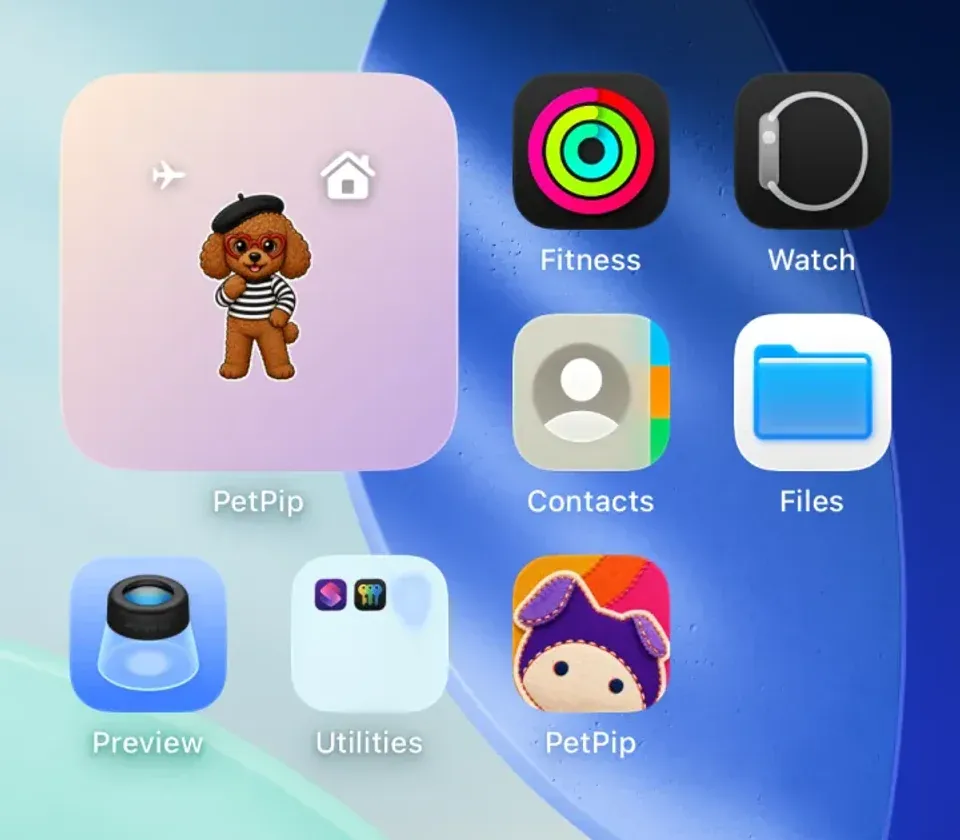
An actual iPhone widget example showing Momo. This demonstrates where a companion appears on the phone; it is a different character from the illustrated poodle above.
Choose a moment that already has some space: a glance while waiting for breakfast, or a short visit after unpacking in an unfamiliar room. Then put the phone away for the walk or dinner you came for. You can switch the Android floating pet off without deleting the companion in Paws.
If you want it ready for departure, create the companion and try its display before you leave. Personal AI creation needs an internet connection and available generation credits. For the iPhone setup pictured here, follow the pet widget guide; for a moving visitor, use the Android floating-pet guide.
Let the trip add something, not just count down to home
Keep one small thing to share when you return: a photograph from a walk, a funny story, or a moment that made you think of your dog. You do not need to turn the entire trip into a countdown.
A saved photograph holds a memory. An update from the caregiver tells you about home. A personal screen pet gives you a small, playful way to revisit a familiar face. Each can help with a different moment, and none replaces the real greeting when you get back.
If you would like that little companion, start with the picture you already reach for when you miss your dog. Let it be a small piece of home you bring along—not another obligation in your luggage.