
If you have seen a tiny character living in an app or appearing in a phone widget, you have probably encountered a screen pet. It is a digital companion designed to stay easy to reach, giving you something to care for, interact with, or watch change over time.
PetPip makes the starting point personal. Instead of choosing only from preset characters, you can begin with your own photo or drawing and turn it into a companion you can hatch, care for, and watch grow. If you are deciding whether that is different from an AI portrait or a conventional virtual pet, the distinctions below are the useful ones.

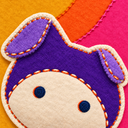
A personal screen pet can begin with a familiar real-world subject rather than a preset mascot.
Screen pet vs. virtual pet vs. AI pet portrait
The terms overlap, but they emphasize different parts of an experience.
AI pet portrait
An AI pet portrait is generated artwork based on a pet photo or prompt. The image is normally treated as the finished result and saved or shared.
Virtual pet
A virtual pet is a digital character with care, interaction, or progression. The relationship continues through routines, play, or other systems.
Screen pet
A screen pet is a digital companion you can keep close on your phone: in its own app, beside your app icons, or waiting for a quick hello when you check the screen.
A product can fit more than one description. With PetPip, you can create a character from something personal, hatch and care for it, and see it as part of your day. On iPhone, it can have a room on your Home Screen; on Android, it can join you as a floating pet while you use your phone.
What makes a screen pet feel personal?
A preset mascot can be charming, but your own input gives the character a history before it appears on screen. A familiar marking from your dog’s photo, an oversized pair of ears from your doodle, or a strange hand-drawn tail creates a connection to something you already know or made.
PetPip’s experience can be understood as three connected stages:
- Create: start with a photo or drawing.
- Care: hatch the pet, feed it, interact through touch, and spend time together.
- Grow: revisit the companion as it develops over time.
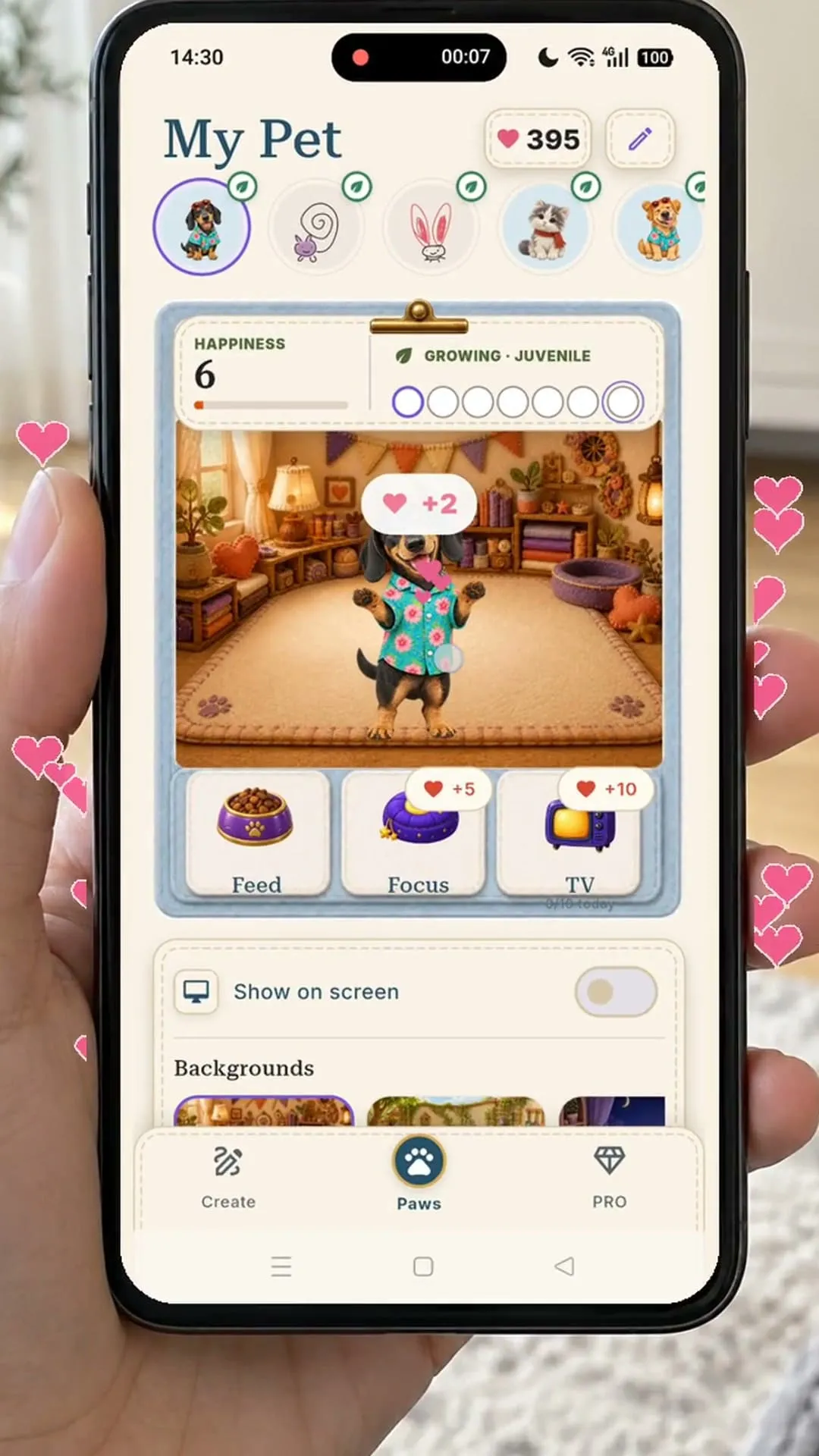
The source and the companion are not identical images; the personal link comes from recognizable features and the ongoing experience.
The creation should support the relationship that follows. If a generated character looks attractive but loses the feature that made the source meaningful, the experience becomes less personal.
Where does a PetPip companion appear?
Visit Paws when you want to feed your pet, touch it, or spend focus time together. You can also keep it nearby without making every visit a full app session.
On iPhone, give it a little room beside your app icons, see it when you check the Lock Screen, or spot it in Dynamic Island on phones that have one. On Android, a floating pet can keep you company while you use other apps. You can move it, watch it peek from an edge, and choose a spacecraft for its little journeys.
Choose a regular place to look for it or a small visitor that moves around your screen. The feeling you want from that everyday company is a useful place to start.
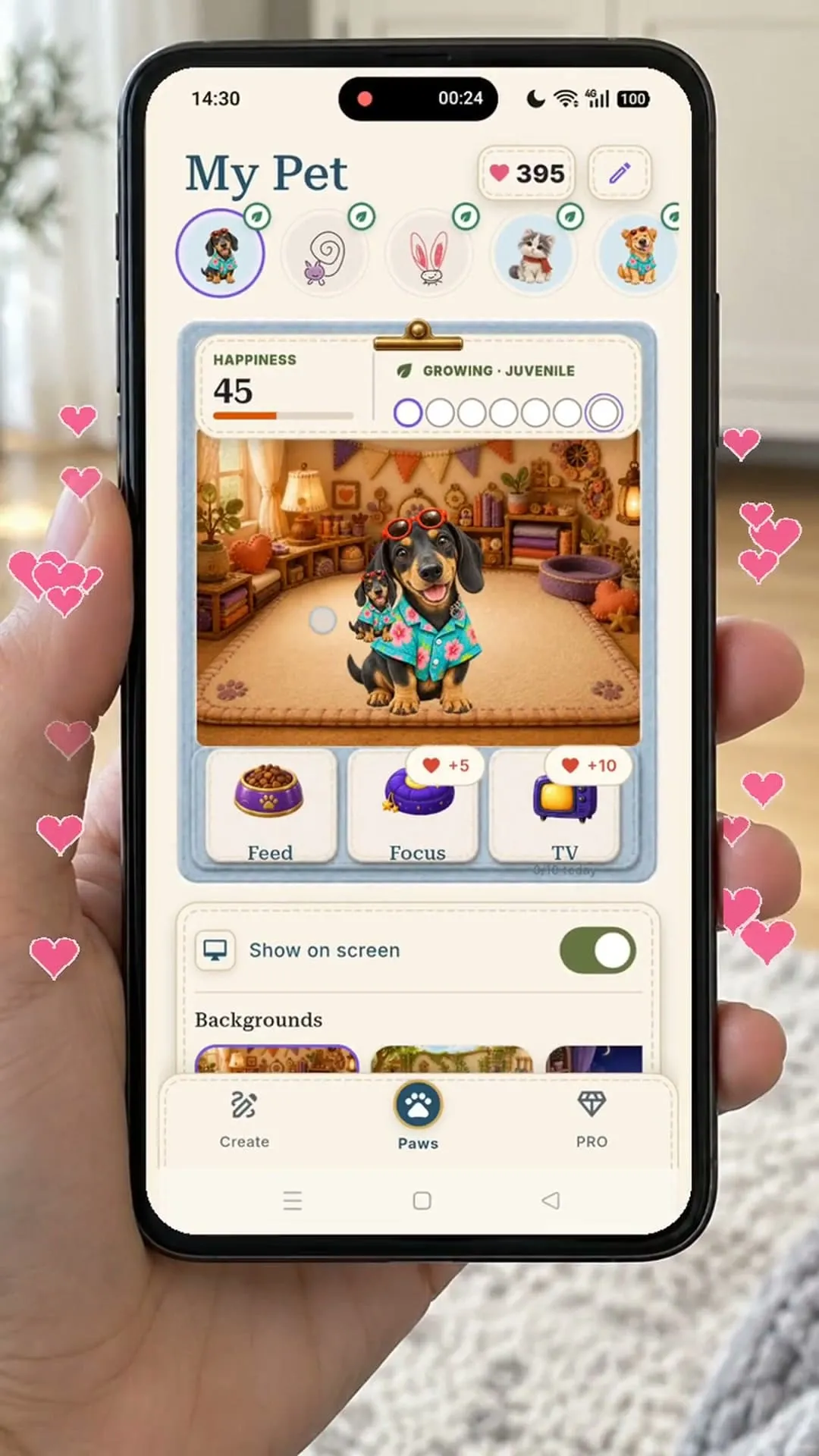
Show on screen lets the companion join you beyond its room in Paws.
Is a screen pet a game?
It can include game-like systems, but “screen pet” describes the relationship more than a genre. Some products focus on collecting and progression. Others emphasize ambient companionship, decoration, focus, or personal creativity.
With PetPip, the character begins with something of yours. Feeding, touch, growth, focus time, and little appearances on your phone give you reasons to keep returning to it.
Does a screen pet replace a real pet?
No. A digital companion cannot replace the needs, behavior, unpredictability, or relationship of a living animal. It also does not provide veterinary, behavioral, or emotional-health treatment.
A screen pet can instead be a small creative presence: a way to carry a familiar photo, an invented character, or a visual memory into a routine on your device.
What should you look for in a screen-pet app?
Before choosing a screen-pet app, ask what you actually want to return to each day:
- whether you want a preset character or one based on your own input;
- whether the experience continues after the first image is created;
- what care, interaction, or progression is included;
- where the pet can appear on your device;
- what platform, subscription, generation, and privacy terms apply.
AI creation requires an internet connection and available generation credits. Review the allowance, optional PRO plans, and device requirements shown in the app and its current store listing before creating. Results are interpretive and can vary.