Your drawing does not need to look professional before you use it. A rough doodle can be a strong starting point when its main shape and one or two unusual details are easy to recognize.
PetPip can turn that drawing into the starting point for a personal screen pet. This guide shows how to make the source readable without polishing away the parts that give it personality. The result is an AI interpretation, not an exact tracing, so focus on preserving the idea rather than every line.
1. Give the character a readable silhouette
Imagine filling the drawing with one solid color. Would the outline still be recognizable? Long ears, a round body, a curled tail, short legs, spikes, wings, or an unusual head shape can all create a strong silhouette.
Simple drawings often work well because the important information is easy to find. A page full of tiny objects, overlapping characters, or faint construction lines makes it less clear which shape should become the pet.
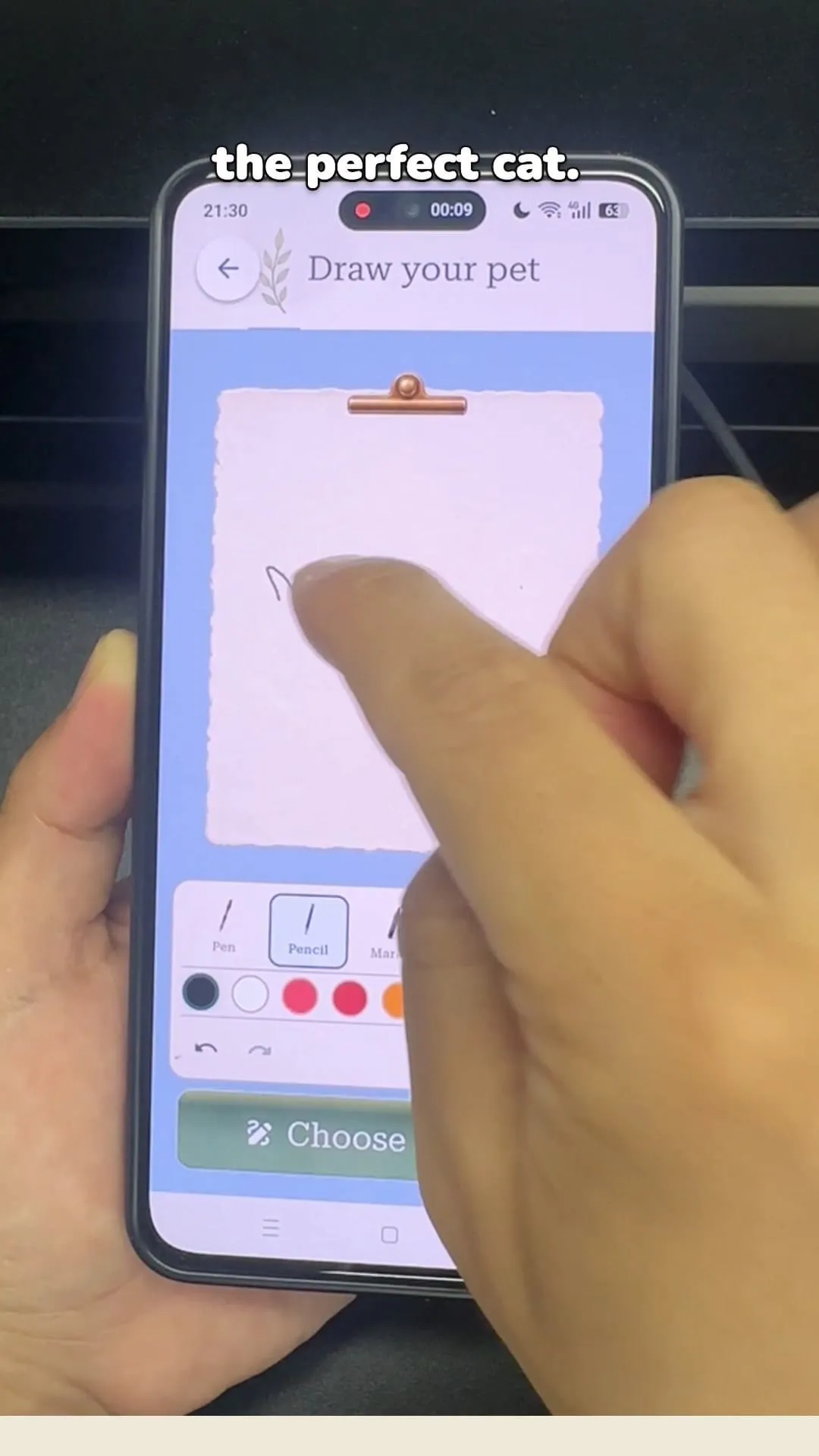
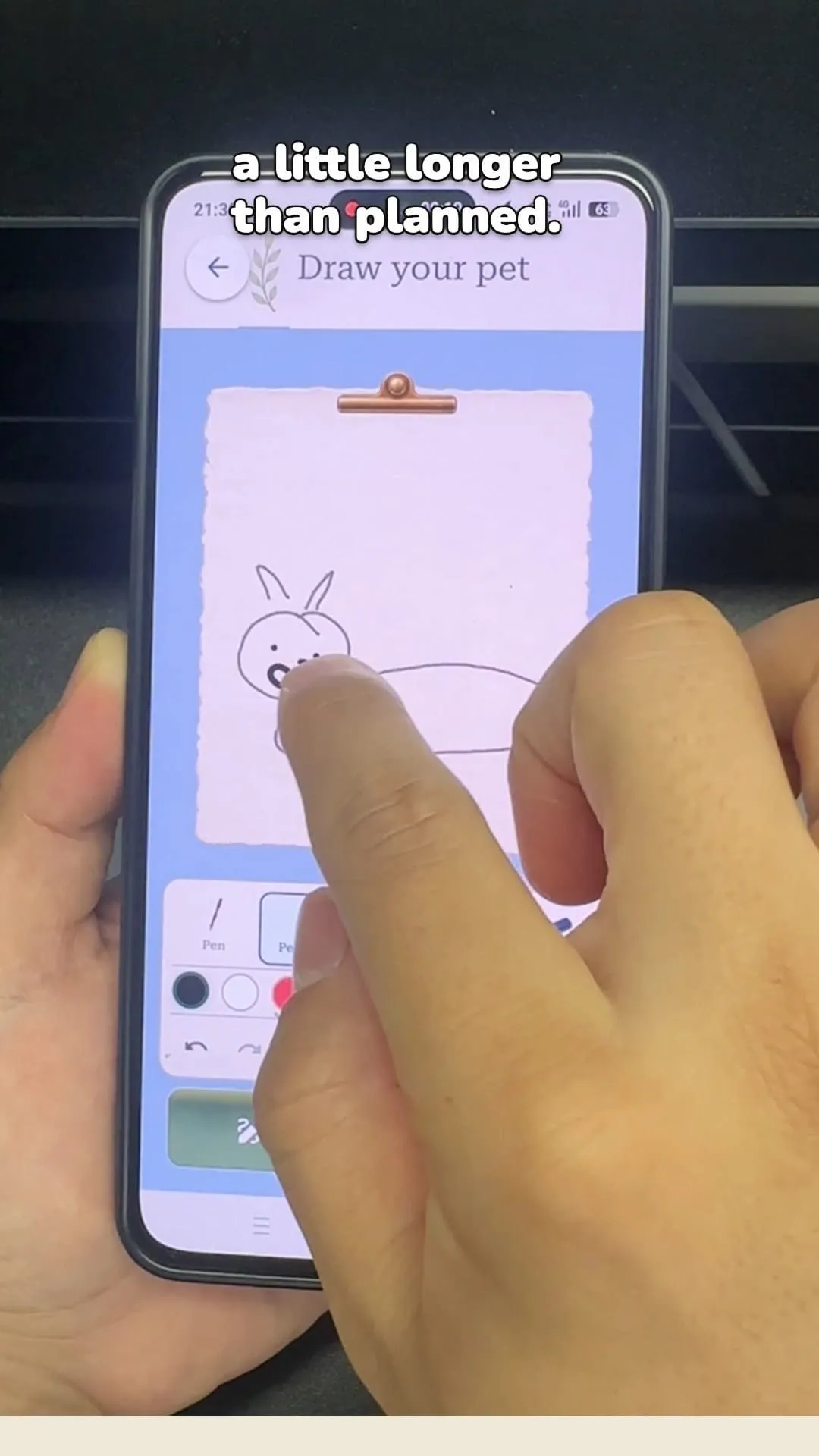
The drawing begins with almost no detail. A readable character can grow from a few deliberate marks.
2. Make the defining features obvious
Choose one or two characteristics that the result should not lose. For example:
- ears that are much longer than the body;
- one oversized eye;
- a tail drawn as a single spiral;
- three back spikes;
- a limited color palette;
- a small hat or other clear accessory.
If a feature matters, draw it clearly. A tiny mark that only makes sense when viewed close up may disappear when the character is interpreted or displayed inside a phone interface.
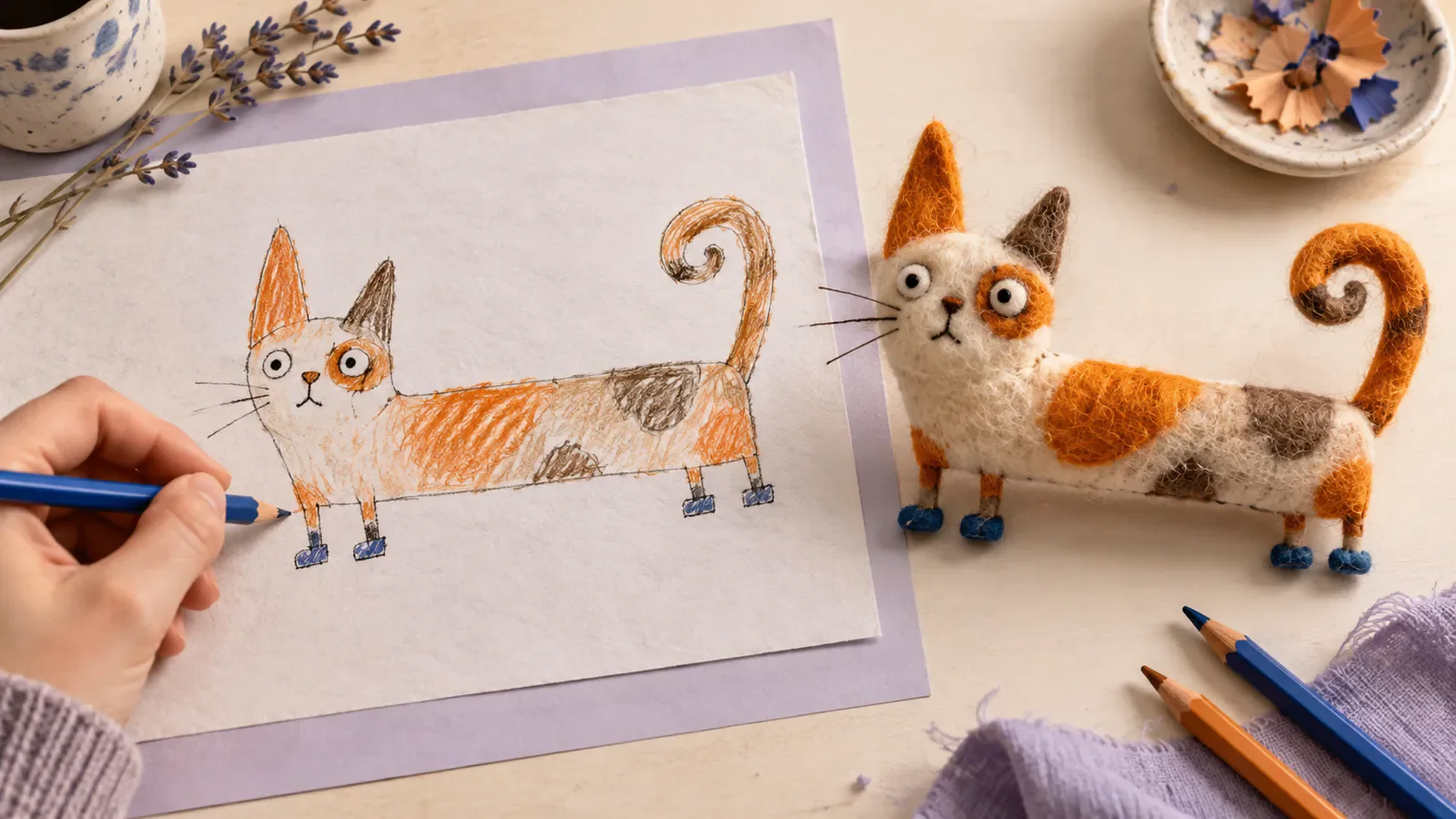
The long body becomes a defining choice rather than an anatomy problem to correct.
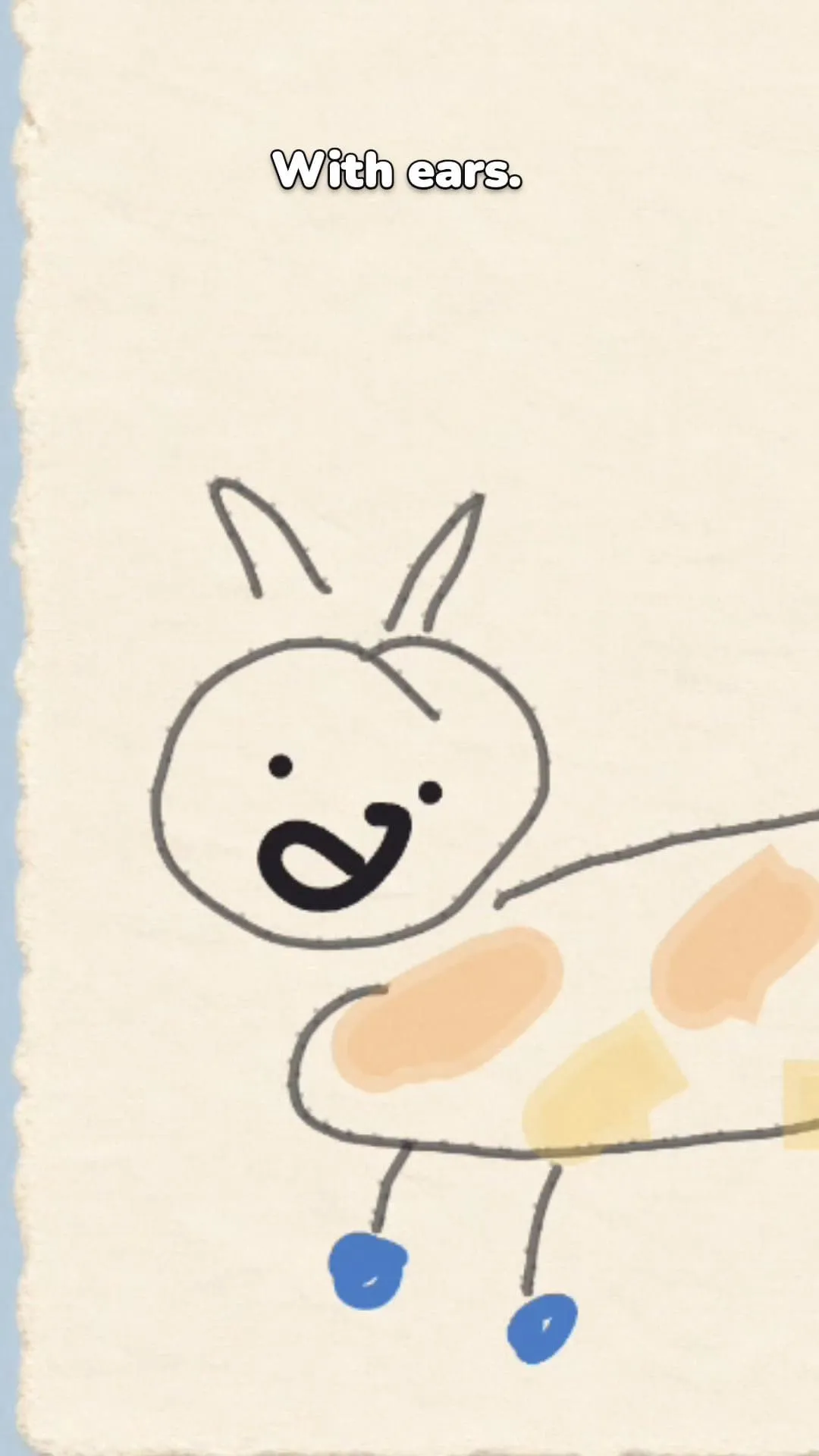
At the completed-drawing stage, the unusual proportions and small color decisions make the character identifiable.
3. Draw in PetPip or capture paper clearly
If you are drawing directly in PetPip, keep the character comfortably inside the canvas and make important lines dark enough to read. If your drawing is on paper, photograph it in even light with the camera roughly parallel to the page. Avoid a hand covering the character, a hard shadow across the drawing, strong glare, or a steep angle.
Crop unrelated objects while leaving the full character visible. Darken very faint lines or improve the contrast if the background and drawing blend together. The goal is not to “fix” the art; it is to make your original decisions legible.
4. Start a drawing creation in PetPip
Open Create, choose Draw, and tap Start drawing. Make your character on the canvas, then tap Choose style. Review the style choices and follow the creation confirmation. Before submitting, check that the full character is visible and that the feature you care about most is still easy to spot. For a drawing photographed on paper, use the Photo path with that image instead.
AI pet creation requires an internet connection and available generation credits. The app shows your allowance and any optional PRO purchase terms. Generation is interpretive, so results can simplify or change parts of a drawing.
5. Check whether the character survived the transformation
Do not judge the result only by how polished it looks. Put it next to the original and ask:
- Would someone recognize the source idea without a long explanation?
- Is the most unusual feature still present?
- Do the main colors still have the same relationship?
- Does the character remain readable at phone and widget size?
An exact tracing is not the goal. The new form may be softer, more dimensional, or differently proportioned. What matters is whether the transformation keeps the visual decision that made the drawing yours.
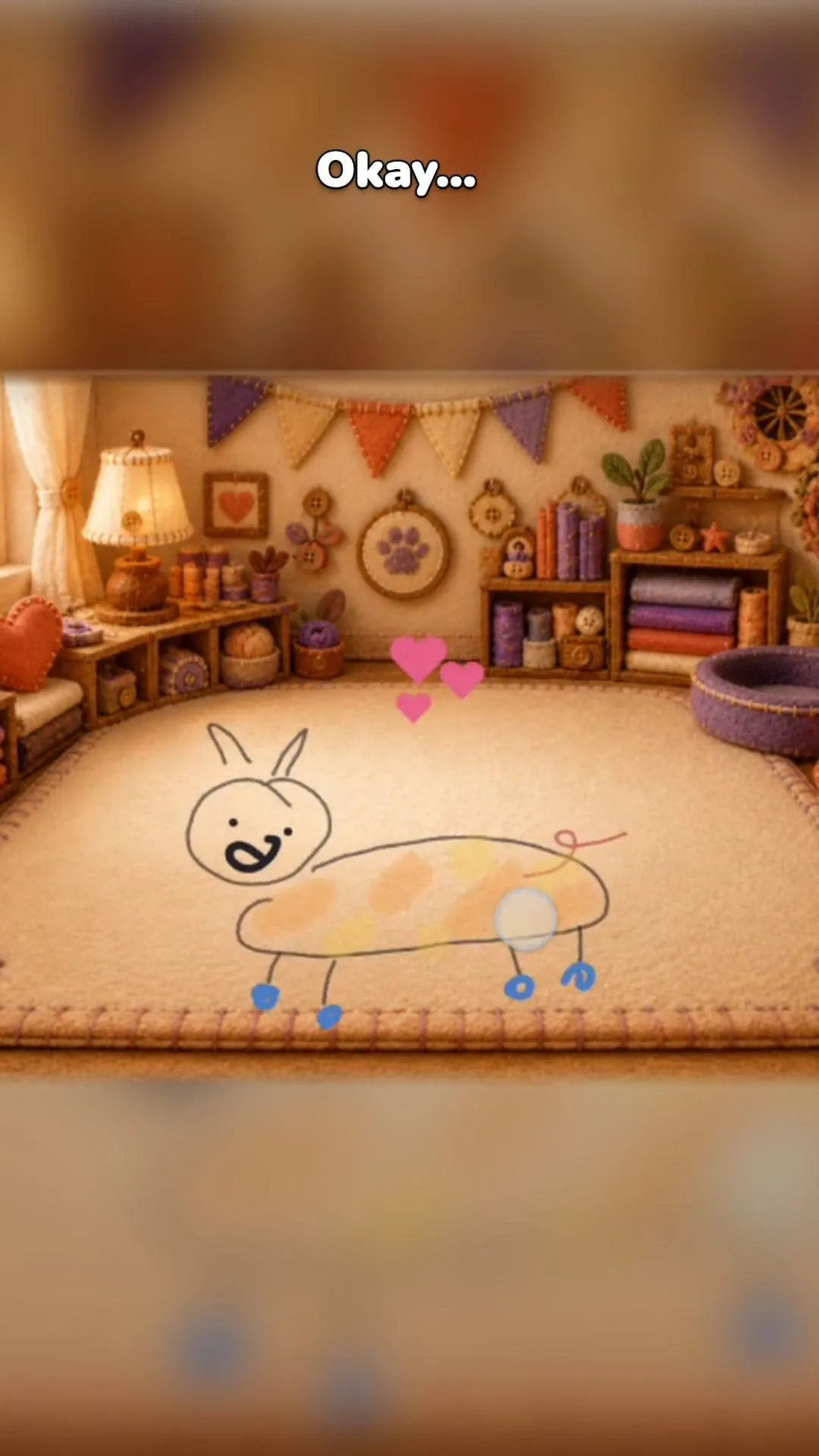
The screen-pet version keeps the long body, uneven ears, simple face, and blue feet while placing the drawing in an interactive setting.
6. Continue from creation to companionship
Inside PetPip, the drawing becomes a companion you can hatch, care for, touch, and revisit as it grows. On iPhone, you can give it a little room on your Home Screen or see it when you check your phone.
That ongoing experience is what turns a doodle into a screen pet: the drawing remains the origin, while the new character has somewhere to live.
On Android, enable Show on screen to keep the character close as a floating pet outside the app. You can also choose its background and spacecraft to give it a little world of its own.
A quick drawing checklist
Before submitting, check that:
- one character is clearly the subject;
- the complete silhouette is visible;
- the defining features are bold enough to notice;
- the background does not compete with the character;
- you are comfortable with an interpretation rather than an exact trace.
Imperfection is not a problem to remove. In many drawings, it is the most useful source of personality.