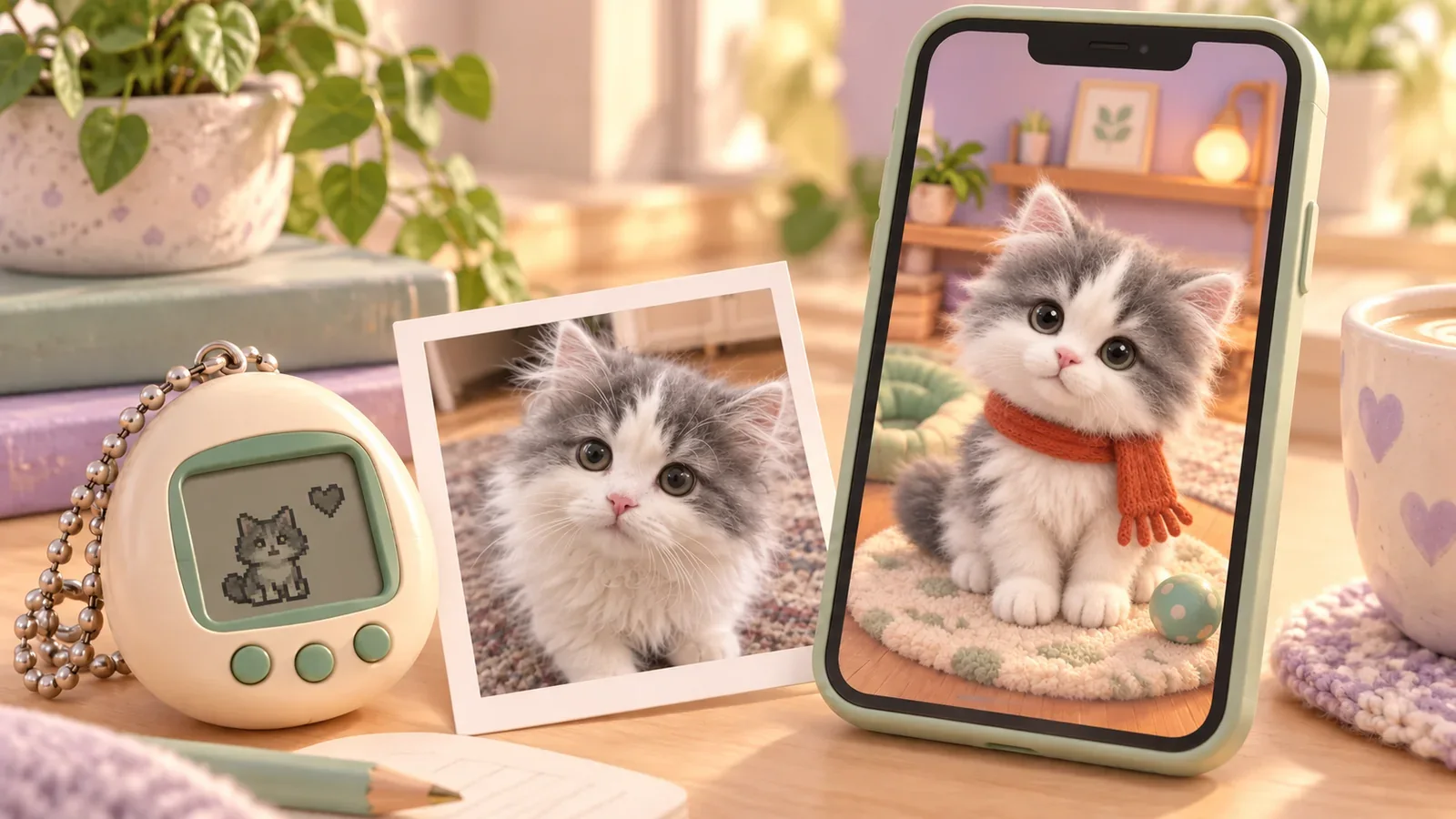
A modern virtual pet can bring back the pleasure of hatching an egg, checking on a little creature, and watching it grow. With PetPip, that experience can begin with your own pet photo or drawing—so the face you are waiting to meet already has a story.
If you grew up checking on a tiny digital creature, you may remember the anticipation better than the buttons: what would hatch, what it would become, whether it would do something different when you returned.
One adult player put that return into concrete terms. A 32-year-old teacher, given an electronic pet as a birthday present, described the feeling of going back to the 1990s and early 2000s. They also noticed what connected it to their life now: a character that could read and play piano, interests they shared, and the question of fitting care around a full schedule. Their public community post is one person’s experience, not a PetPip testimonial.
Now imagine that first meeting with your dog’s enormous nose, your cat’s uneven markings, or the strange rabbit you drew during a boring afternoon. There is a story before the egg even opens.
Illustrated cover; product examples below use PetPip recordings and an iPhone screenshot.
Keep the part that made you care
The appeal of an electronic pet was never only the device. You had something small to look after, a reason to check back, and changes you could notice over time.
There is a long history behind that feeling. The Strong National Museum of Play’s account traces Tamagotchi’s Japanese debut to 1996 and describes its progression from hatching through a care-dependent life cycle. A small screen could hold an unexpectedly absorbing routine.
If you are looking for a Tamagotchi-style app now, it is worth asking which part you want to bring back. Perhaps it is meeting a new creature. Perhaps it is the small act of feeding it. Perhaps you simply liked knowing there was someone to visit.
If you are returning to virtual pets as an adult, start with the part you remember enjoying:
- The anticipation: hatch a companion and follow its growth.
- The care: return for feeding and touch interaction in Paws.
- The company: give the character a place on your phone where you can see it between visits.
PetPip adds a personal starting point to those familiar pleasures. You can bring a face from your own life into the routine.
Let the companion begin with your own story
Think of a pet photo you would recognize without seeing the rest of the album. It might be the nose pressed into the camera, an ear folded inside out, or a ridiculous expression you have never managed to photograph again.
You know where the expression came from. You remember the animal behind it, and why this particular photo still makes you smile.
PetPip uses that photo or drawing as the starting point for a virtual companion. It is an AI interpretation, so proportions, markings, and other details can change. Look for the features you hoped to keep: a distinctive ear, a familiar expression, or the shape you drew.
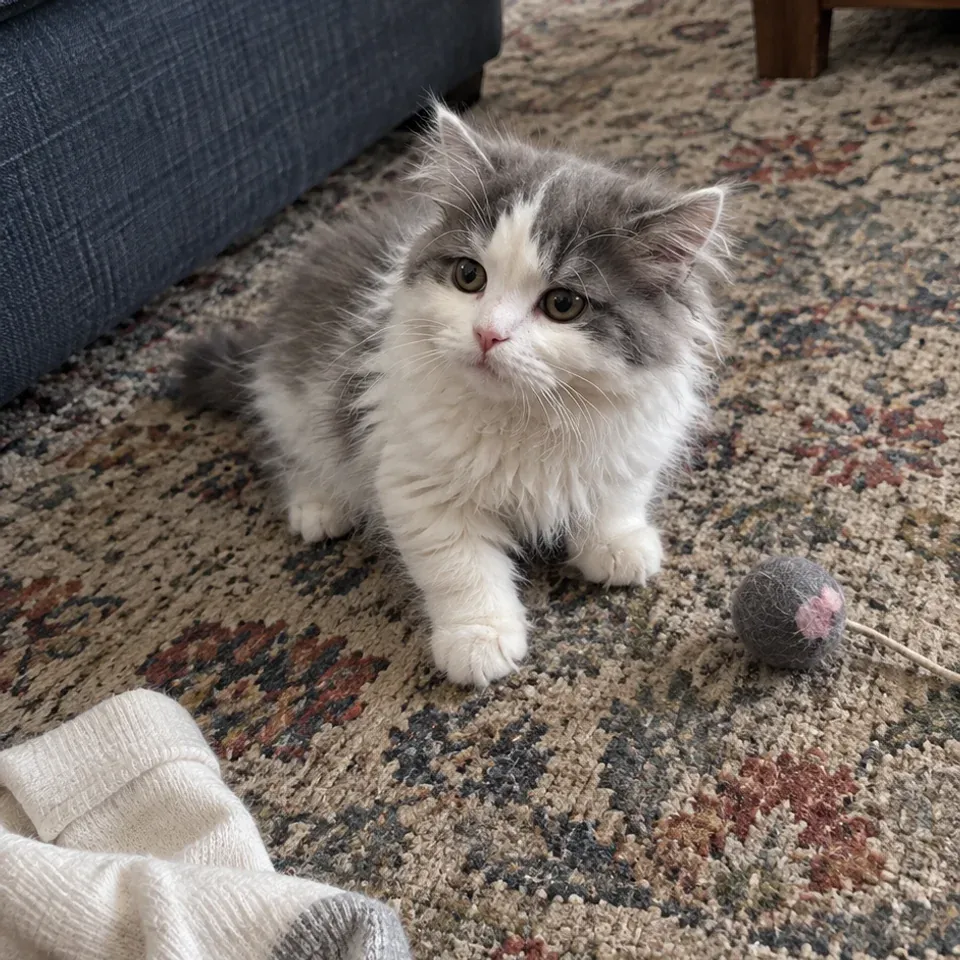
Creative source
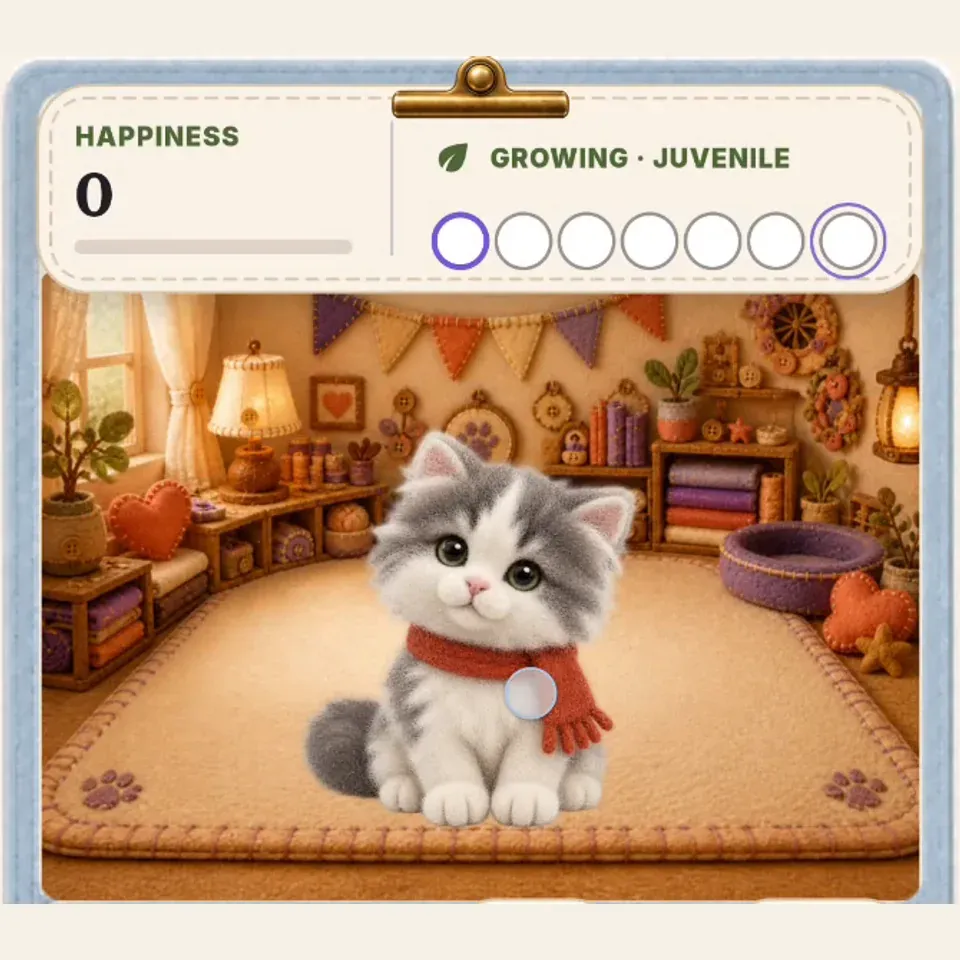
In-App companion
You do not need to replace that memorable photo with a formal portrait. Keep the strange pose if that is the moment you love. The photo-to-pet guide explains what to check before creating.
And you do not need a real pet photo at all. An oversized pair of ears or a wildly curled tail in your own drawing can give a companion an identity that no ready-made mascot would have chosen for you.
Give the same little character a continuing life
A personal starting point is only the beginning. The reason to return is what happens after the reveal.
In PetPip, hatching leads into a companion you can feed, interact with through touch, and follow as it grows. A name, a room, and repeated visits give that original image somewhere to go beyond the camera roll.
You might choose a background that suits a very serious-looking cat, then give your Android companion a tiny spacecraft that makes its next appearance unexpectedly funny. Changing the setting or ride does not require inventing a new identity each time.
If the care routine is the part you remember most fondly, the care guide shows what you can do in a visit and how to read the growth display.
Let it show up in the day you already have
There is another way a phone companion can feel different from a game you only see when you open it: you can encounter it while doing something else.
On iPhone, a PetPip widget gives the companion a small room beside your everyday apps. There can also be quick glimpses on the Lock Screen or Dynamic Island on supported iPhones. It is a familiar face when you pick up the phone, rather than another destination you have to remember to visit.
On Android, the floating pet can appear while you use other apps. You can move it, leave it near an edge, or release it around the center for a little spacecraft journey. Seeing a character based on your own dog take that ride is a different kind of joke from watching an unfamiliar mascot do it.
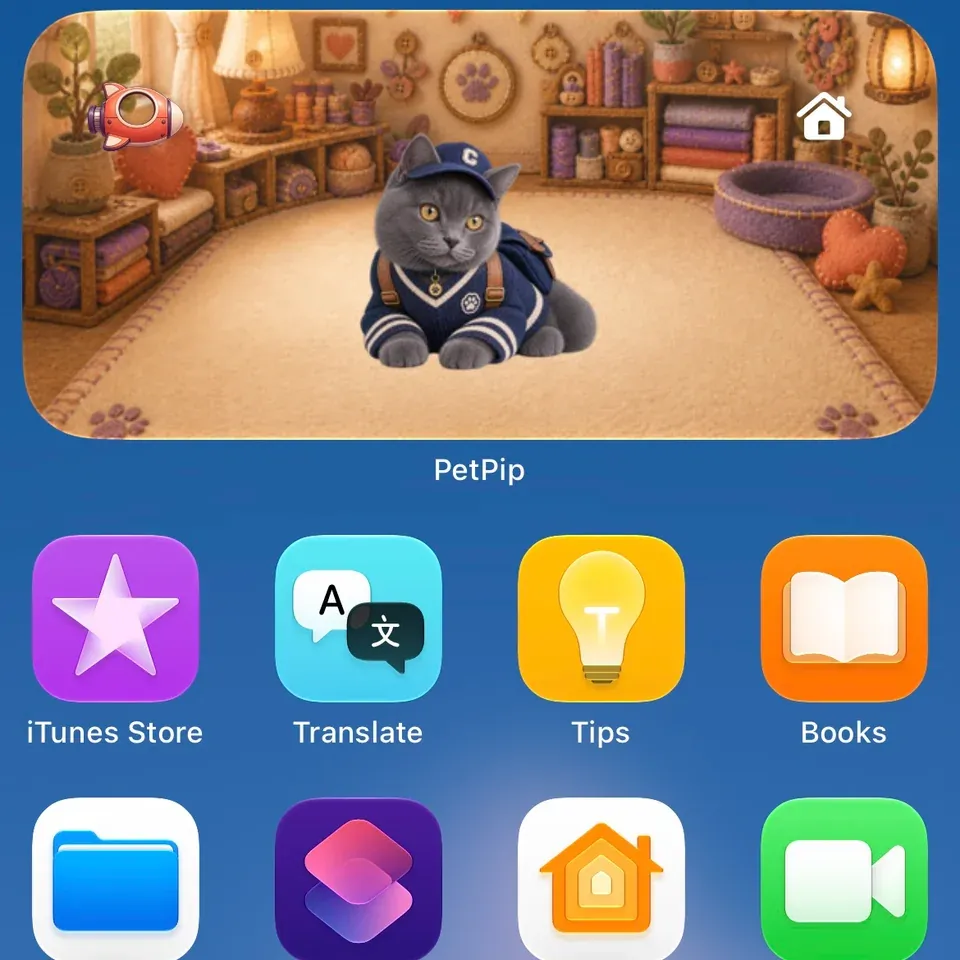
iPhone widget
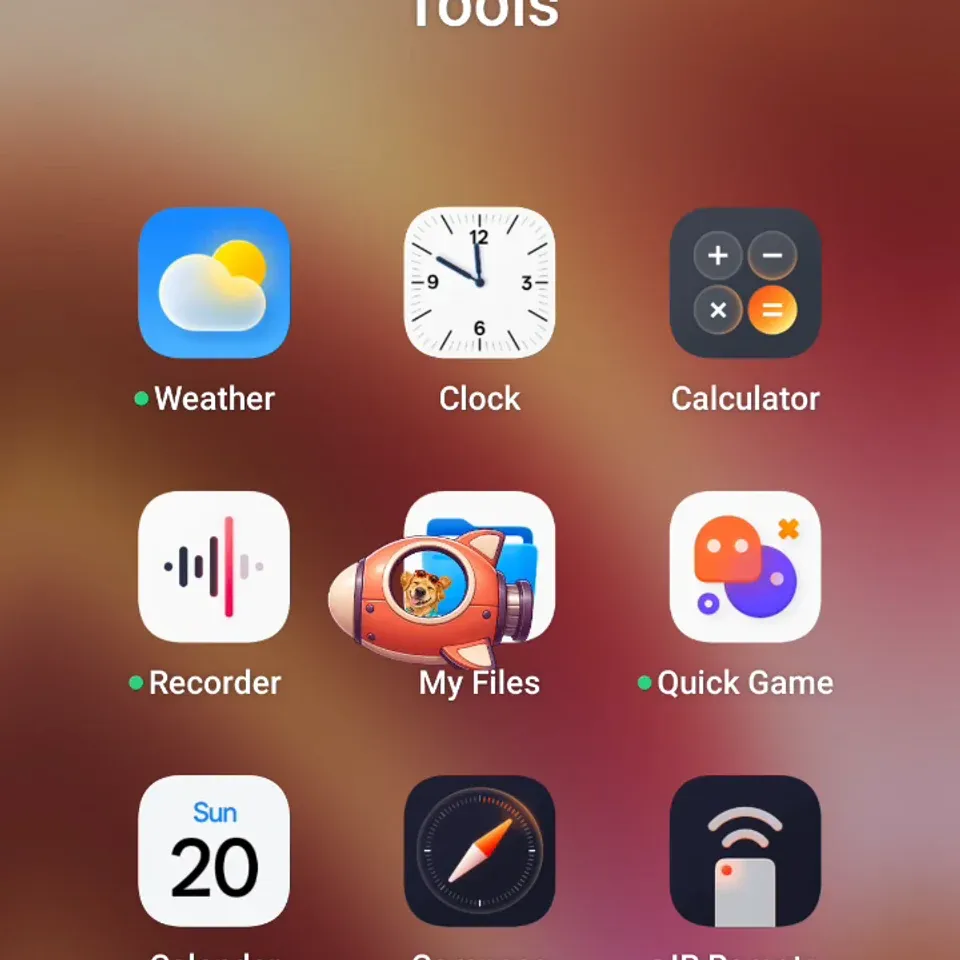
Android floating pet
Choose a spot where the character will be welcome: a Home Screen page you visit often or an Android screen edge away from what you are reading. You can turn the floating display off when you want a quieter phone, without deleting the companion.
Start with the face you would like to see again
The hatching, care, and anticipation that made electronic pets appealing can belong to a character whose story begins with your life: an animal you know, a moment you remember, or something you made up yourself.
If creating a personal companion appeals to you, start by opening your photos or making a quick sketch. Choose the face you would smile at during an otherwise ordinary day. It does not have to be the most polished one.
In PetPip, personal AI creation needs an internet connection and available generation credits; check the allowance in the App before creating. Keep your original image, too. The little character is another way to enjoy it, not a replacement for the photo or the real pet.
The egg, the care, the anticipation can still be part of the experience. This time, you can bring your own story to the hatch.