A good virtual pet name gives you something to smile at when you see the character again. It can come from a nickname you already use, one unusual feature in a drawing, a food you love, or a memory shared with someone else.
For a quick starting point, match a name to something you already notice:
| What catches your eye | Names to try |
|---|---|
| A curled-up shape or round little body | Bean, Button |
| A spiral tail | Loop, Swirl, Corkscrew |
| Distinctive feet or fluffy hair | Socks, Tuft |
| A favorite everyday ritual | Chai, Sunny |
| A tiny traveler or an unusual little creature | Orbit, Cove, Thimble |
These are our suggestions. Say one while looking at your pet or drawing, and see whether a reason for it comes to mind.
In public naming discussions, virtual-pet players describe names borrowed from childhood animals, favorite characters, and family jokes. One person chose an affectionate pet nickname because it brought up happier memories than the formal name. Another kept an initially generated name because it had already become familiar.
If none of the names above feels right, the same approach can help you find your own.
In PetPip, you can take that idea into the character itself. Create a companion from your own photo or drawing, then choose a name that belongs with its appearance and the story behind it.
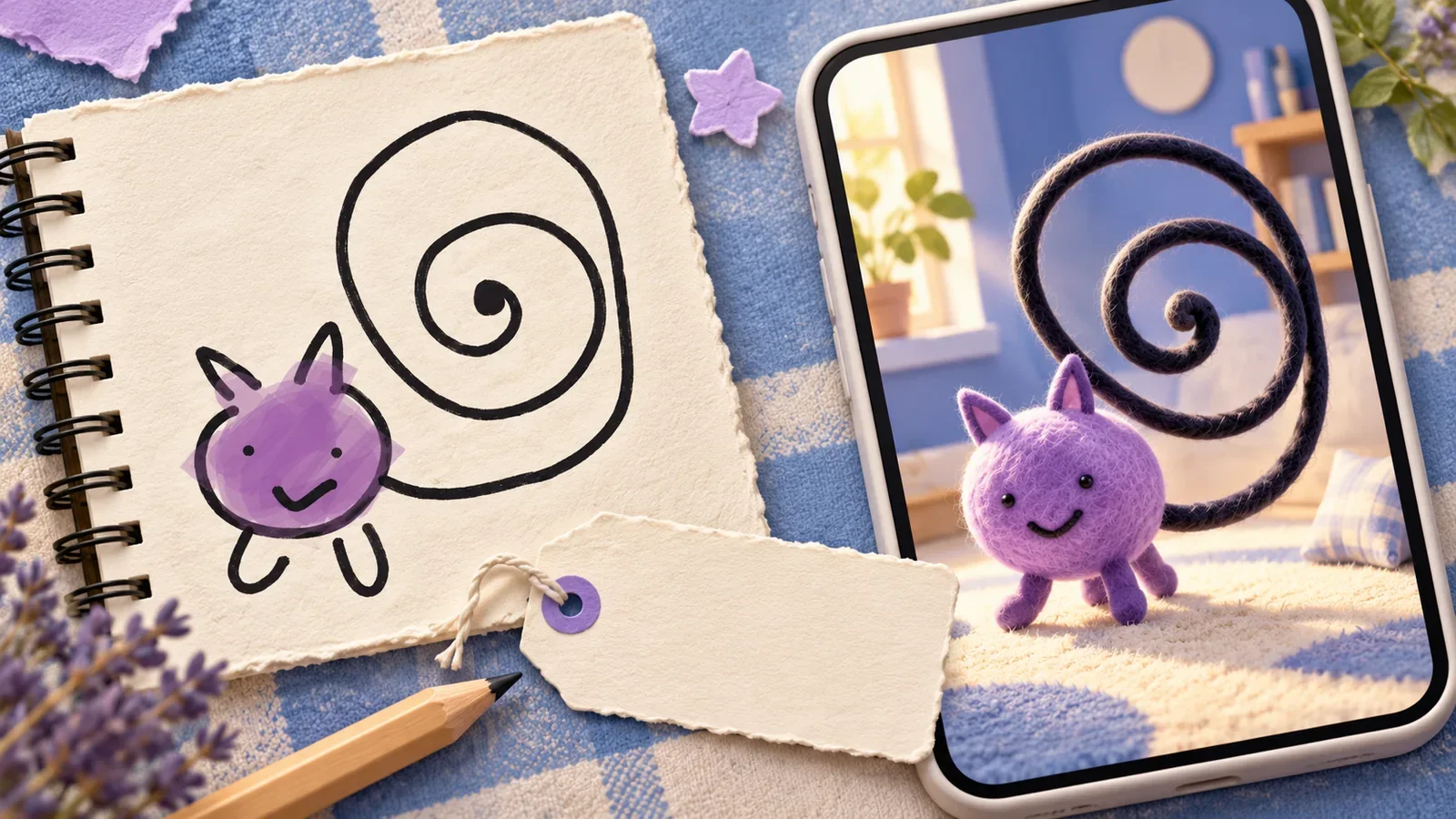
Illustrated cover; the drawing and PetPip recording below are from our own creative project.
1. Keep a nickname that already means something
Your pet may have an official name and half a dozen names used at home.
The nickname might come from how they curl up, the sound of their paws, or one particularly memorable incident involving a sandwich. It already has an audience: the people who know why you say it.
That makes it a useful option for a photo-inspired companion. You can keep a familiar name, shorten it, or choose the playful version that fits the little character on your phone.
For example, a dog who folds into a tiny ball might suggest Bean. A cat who keeps the same sunny window seat might become Sunny. Your own household nickname may be better than either.
Try finishing: “We call them ___ because ___.” You may already have your answer.
2. Name the feature you would recognize anywhere
A drawn creature can give you the name before you know what species it is.
In this internal PetPip project, a purple face and a huge spiral tail became the defining features. The tail takes up more room than the rest of the character. It is the part you notice first in both the drawing and the recorded companion.
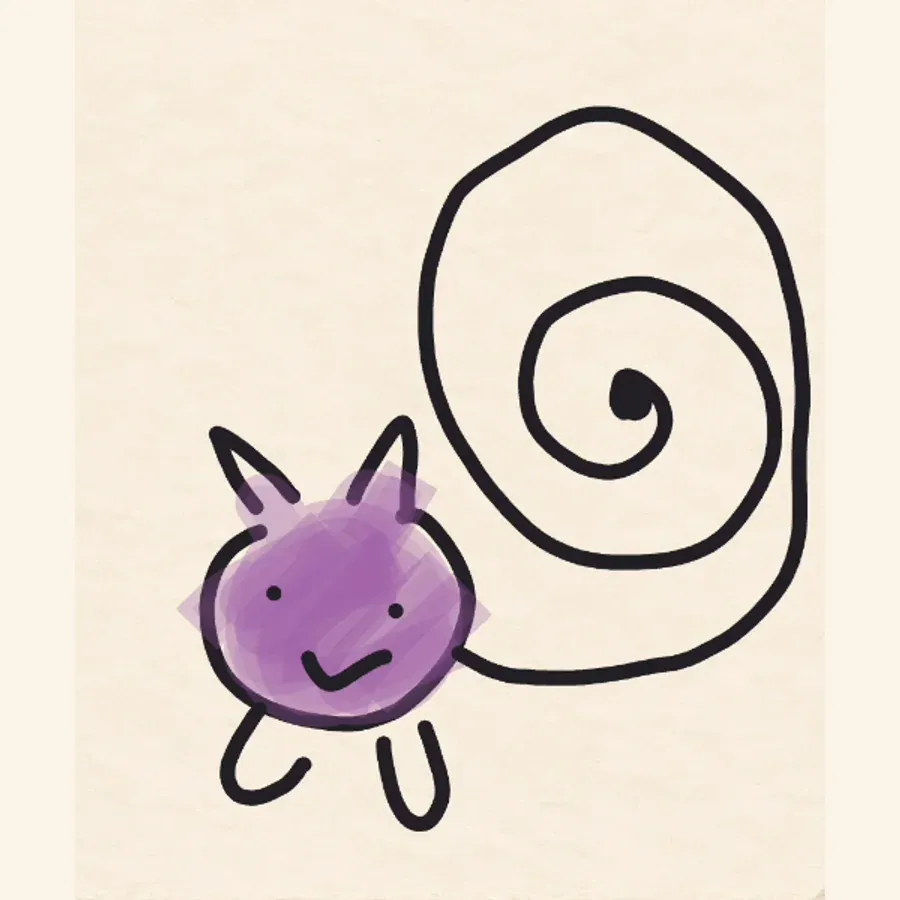
The defining detail
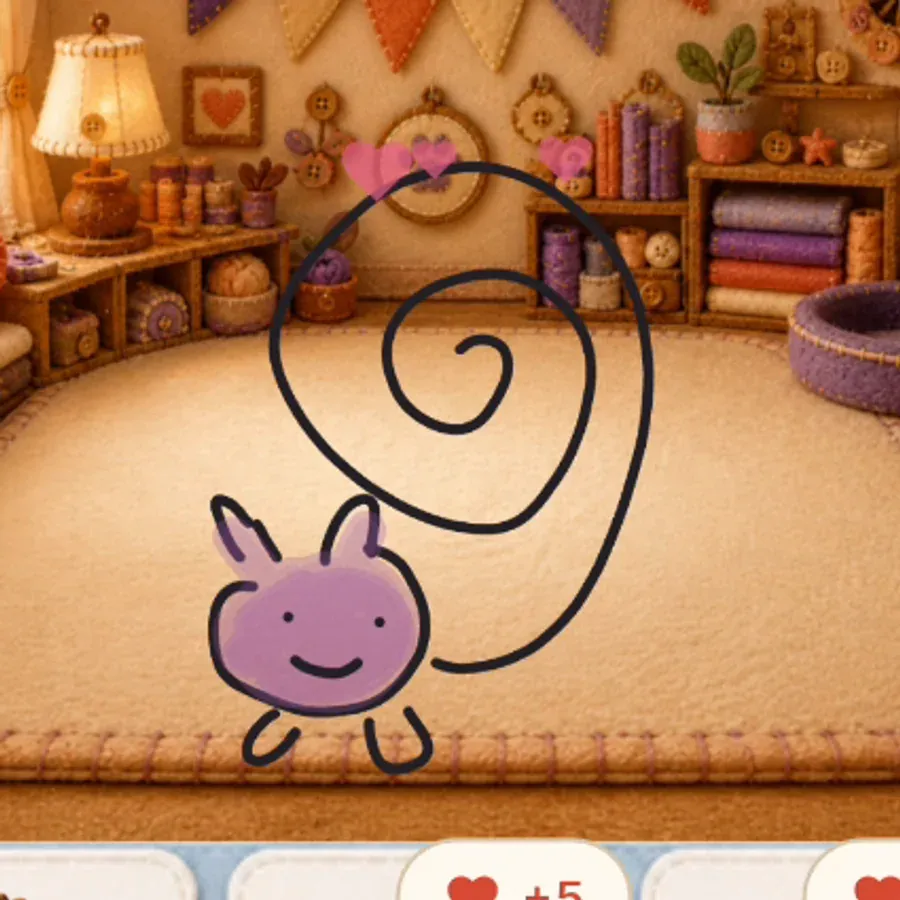
The companion
What would you call that tail? Loop, Swirl, or Corkscrew could each give the same drawing a different little personality.
This works for other features, too: Socks for contrasting feet, Tuft for an extravagant patch of hair, or Button for a tiny round face. Use the feature you like rather than trying to correct it before naming the character.
If the name gives you a drawing idea, follow it. The drawing-to-pet guide shows how to turn that first sketch into a companion.
3. Borrow something from your own day
A name can connect the character to a favorite food, a place, or an interest that is yours.
Chai could join your tea break. Orbit might suit a little space traveler. Cove can recall a favorite stretch of coast; Thimble suggests something tiny and slightly old-fashioned.
Try looking around the place where you first drew the character or chose its photo. A mug, a book, or a view through the window may suggest a word you would never find on a generic pet-name list.
You can also make two companion names belong together without making them identical: a place and its weather, a drink and its snack, or two words from the same private joke.
4. Leave room for the unexpected name
Sometimes the name you planned does not suit the result.
You might draw a fierce little creature and discover that Pip suits it better than something dramatic. Or the first plain name you try may become the one you like because you have already started using it.
Say it as if you were greeting the character: “Morning, ___.” Imagine it next to the pet’s face. If it feels natural to you, it has done its job.
There is no need to keep searching just because someone else’s list contains more unusual words.
Give the name a character to belong to
Choose a photo with a nickname behind it, or draw the feature that suggested your favorite name. In PetPip, you can create the companion, select it in Paws, and use the pencil beside its name to rename it.
If you have several companions, select the intended pet first. The add-and-switch guide shows how to find the right character. Personal AI creation requires an internet connection and available generation credits; check the creation choices before submitting.
Then give the same named character somewhere to be: a room in Paws, an iPhone Home Screen widget, or a floating presence on Android.
Pick the name you would enjoy saying again. The story can be as small as a curled tail—and that is enough to make it yours.
Public virtual-pet naming discussions informed these approaches. The suggested names are our editorial examples, not customer submissions; the pictured project is our own.