A pet’s nickname can hold an entire relationship in a few syllables. So can a familiar sleeping pose, an uneven patch of fur, or the small routine of stopping to say hello.
Public virtual-pet discussions show different ways people carry those details forward. One person described giving a digital companion the name and colors of a dog they had lost. Another chose a pet’s nickname because using the formal name every day felt too painful. Someone else kept a different main character and used a smaller companion for the remembrance instead.
You may recognize one of those choices. The same name might be comforting, or a nickname might make the connection easier to enjoy. You can choose how close the resemblance feels.
In PetPip, a photo can become the starting point for a virtual pet you can see on your phone and visit for small moments of care. If you miss seeing a familiar face in your everyday routine, that is the part of the experience to explore.
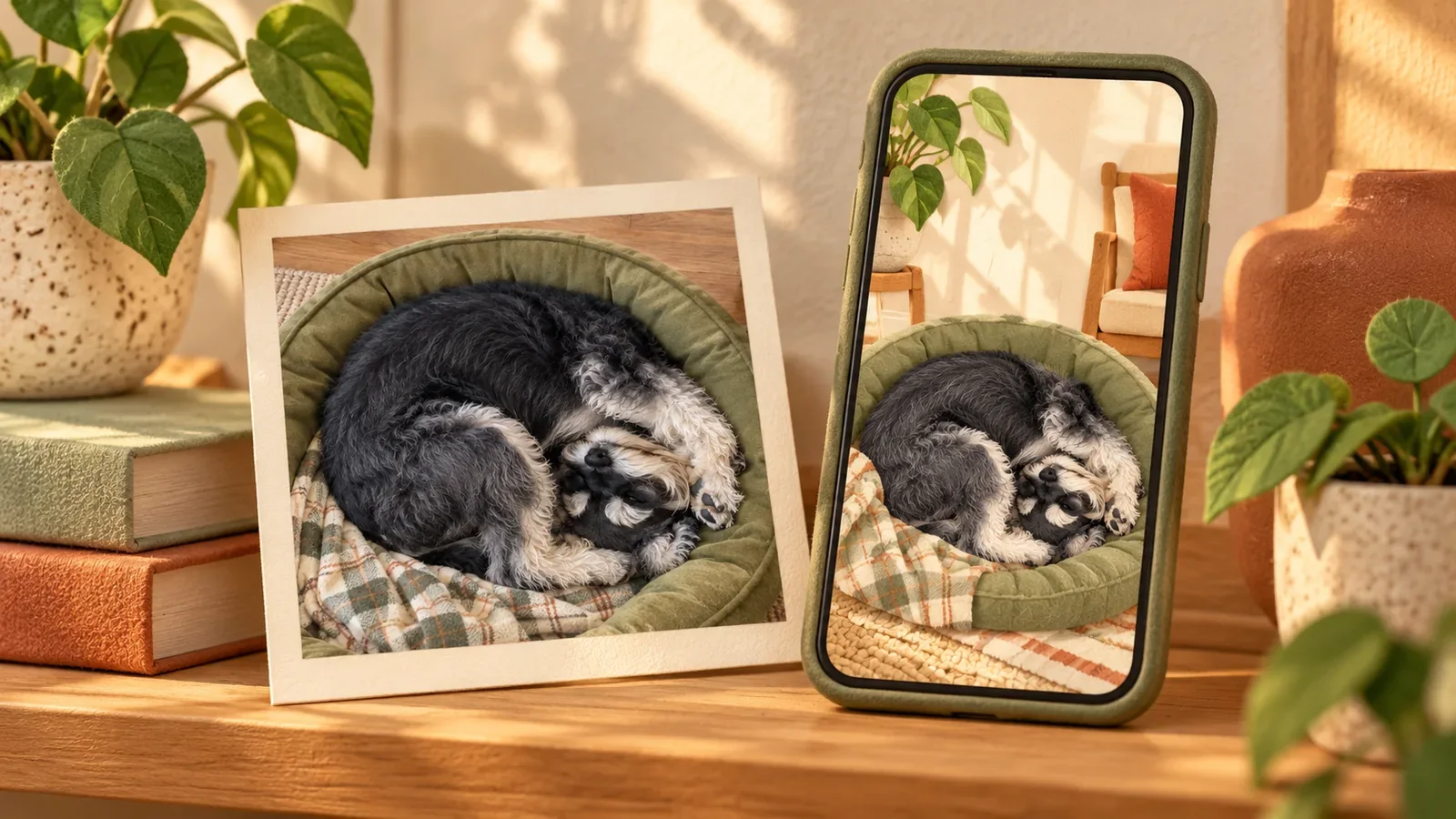
The cover and schnauzer images are illustrations from our creative library.
Start with the part you miss seeing
You do not need to choose a formal portrait just because the photo matters.
Perhaps you miss the shape your dog made in its bed. Perhaps it is the face your cat pulled when you moved their favorite blanket. A slightly blurred, awkward, or funny photo may carry more of that everyday relationship than the neatest picture in the album.
Look through a few favorites and ask what you recognize first. The setting may be what makes the photo precious to you; an expression, coat pattern, or silhouette can give a photo-inspired character its familiar look. Choose a meaningful moment where you can still make out the pet.
Keep the original image. A print, a saved album, and a digital interpretation can each give you a different way to return to the same moment.
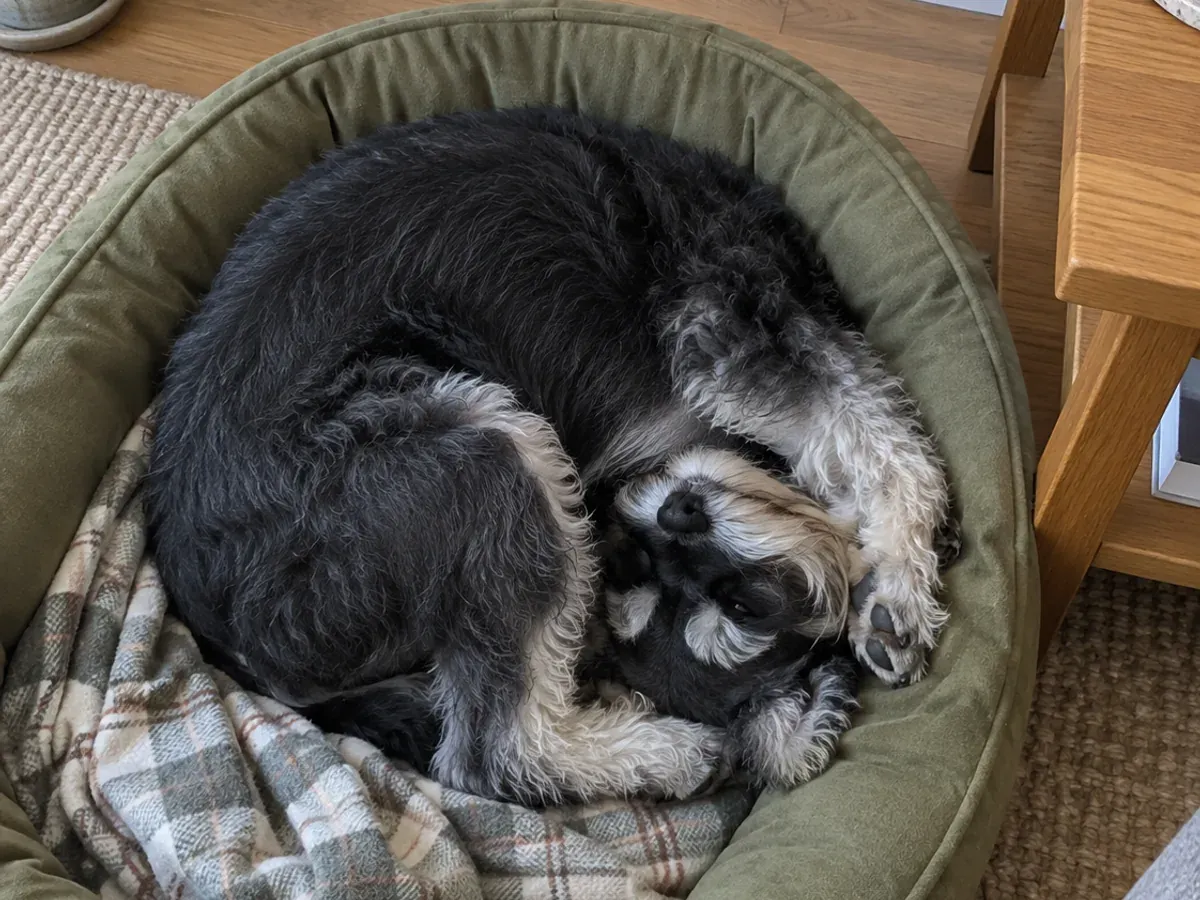
Creative illustration: an everyday sleeping pose can hold more meaning than a formal portrait.
Decide how familiar you want the companion to feel
You might want the same name and a recognizable face. You might prefer a playful nickname, a softer interpretation, or a character that reminds you of one small detail.
Those choices can lead to different experiences:
| What you would like to keep | A possible starting point |
|---|---|
| Their appearance as you remember it | Keep a favorite photograph visible, as a print or in an album |
| A nickname or affectionate association | Use that name for a character you enjoy visiting |
| A familiar face in a playful new form | Explore a companion inspired by one of your photos |
| A small act of care in the day | Visit a virtual companion for feeding or touch interaction |
You can combine these. A printed photo might stay on a shelf while a smaller interpretation has a place on your phone. The photograph keeps the moment as it was; the companion gives you a new way to spend a little time with a familiar image.
What a photo-inspired companion can carry forward
In PetPip, a photo gives a virtual pet its starting point. After creation and hatching, you can give the companion a name, feed it, interact through touch, and follow its growth.
The image is interpreted by AI. Markings, proportions, clothing, or poses may change. Before deciding how you would like to use the result, look at it next to the original and notice how it feels to you.
A familiar face can be enough. You do not have to regard the character as the real animal or expect it to reproduce their behavior.
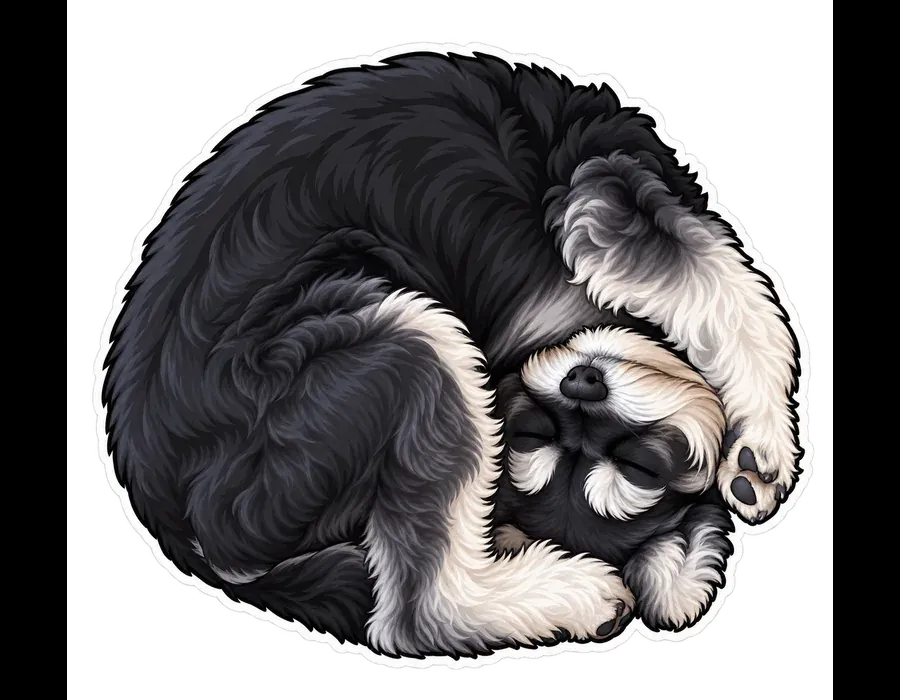
A companion concept from the same creative project, not an actual PetPip result. The curled pose connects the two illustrations; your generated character will vary.
Give it a place you choose to visit
If you enjoy seeing the companion, you can make it part of an ordinary moment.
On iPhone, a Home Screen widget gives a PetPip companion a little room beside your apps. On Android, it can appear as a floating pet while you use the phone. You can also keep your visits inside Paws.
That could mean a familiar face when you check your phone in the morning, or a brief visit when you sit down at home. Feeding or touching the character gives you something small to do during that visit.
You choose where the companion appears. If you prefer some distance, turn the Android floating display off or move the iPhone widget out of your everyday view. The companion can remain in the app.
You might keep a printed photo in a favorite room and let the companion join you on your phone. Each gives that familiar face a different place in the day.
Begin with a memory you want to keep close
Choose one photo and write down what you love about it. That is a worthwhile starting point whether you print it, save it with a story, or use it to create a companion.
For more physical and digital options, explore meaningful ways to remember a pet.
To try a photo-inspired companion, follow the photo-to-pet guide with that image. Personal AI creation needs an internet connection and available generation credits; check the choices in the app before submitting. Give the result a name you enjoy using and visit it in Paws before deciding where you would like it to appear on your phone.
The opening paraphrases individual public community accounts, not PetPip customer submissions. The illustrations do not depict a bereaved customer’s pet.