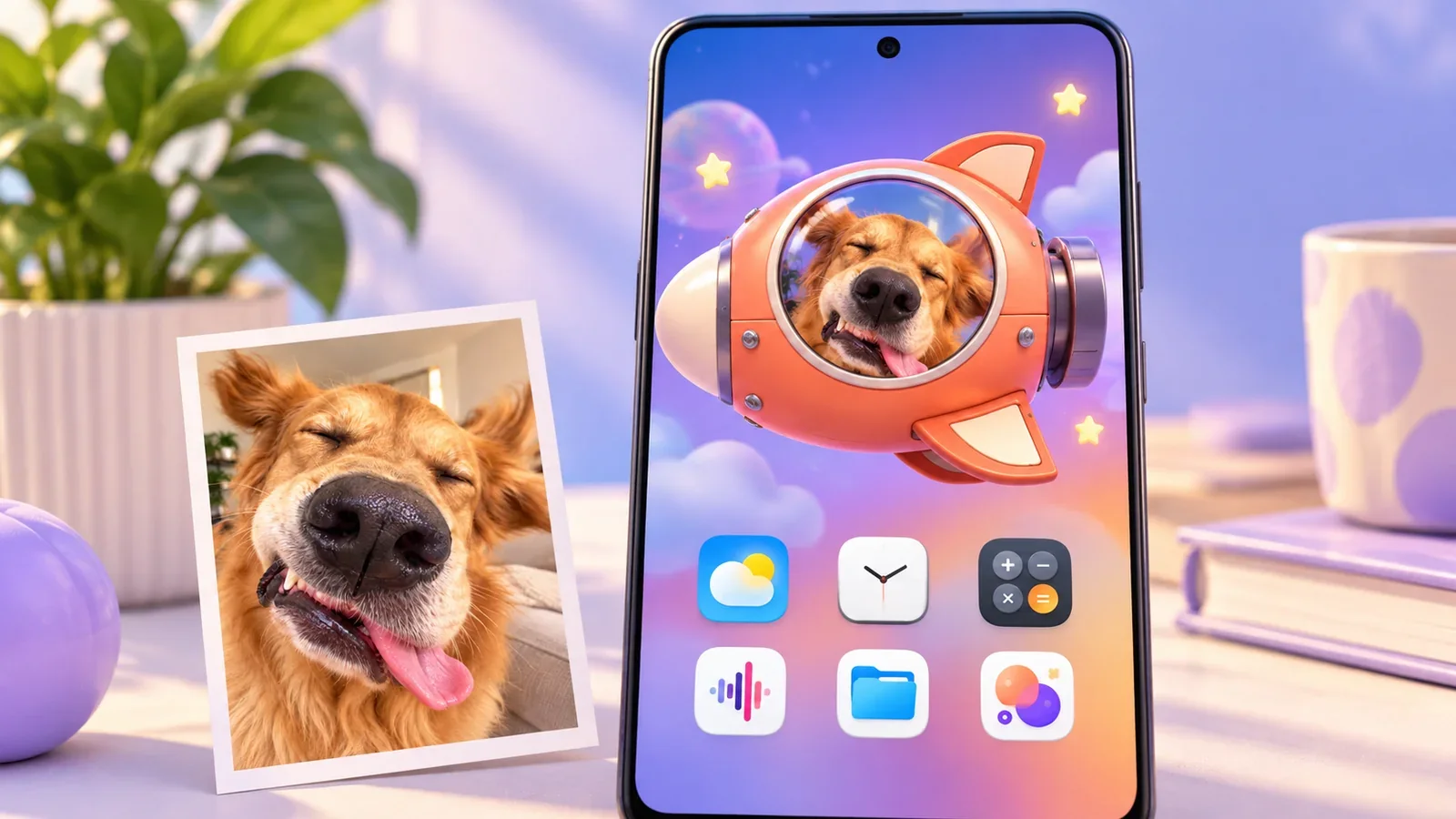
Your pet photo can become a little companion that appears while you use your Android phone. In PetPip, it can also have its own spacecraft: move the pet, let go around the center of the screen, and watch it take a small ride.
It is a wonderfully silly change of circumstances. The dog who pushes his nose into every photo is now looking out of a tiny spaceship. The cat with a permanently serious face has somewhere unusual to be.
The appeal is easy to understand before you know any settings: that little passenger can start with a pet you already know.
Illustrated cover; the two Android views below come from the same actual PetPip recording.
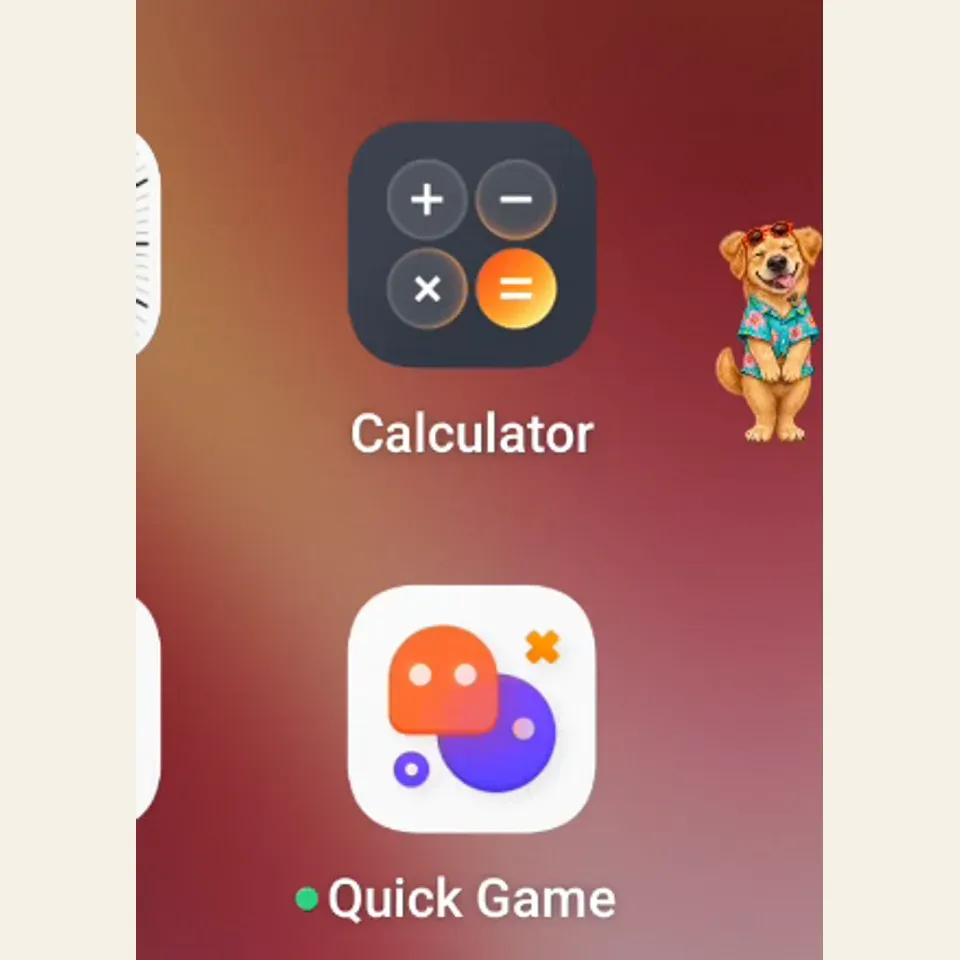
Waiting at the edge
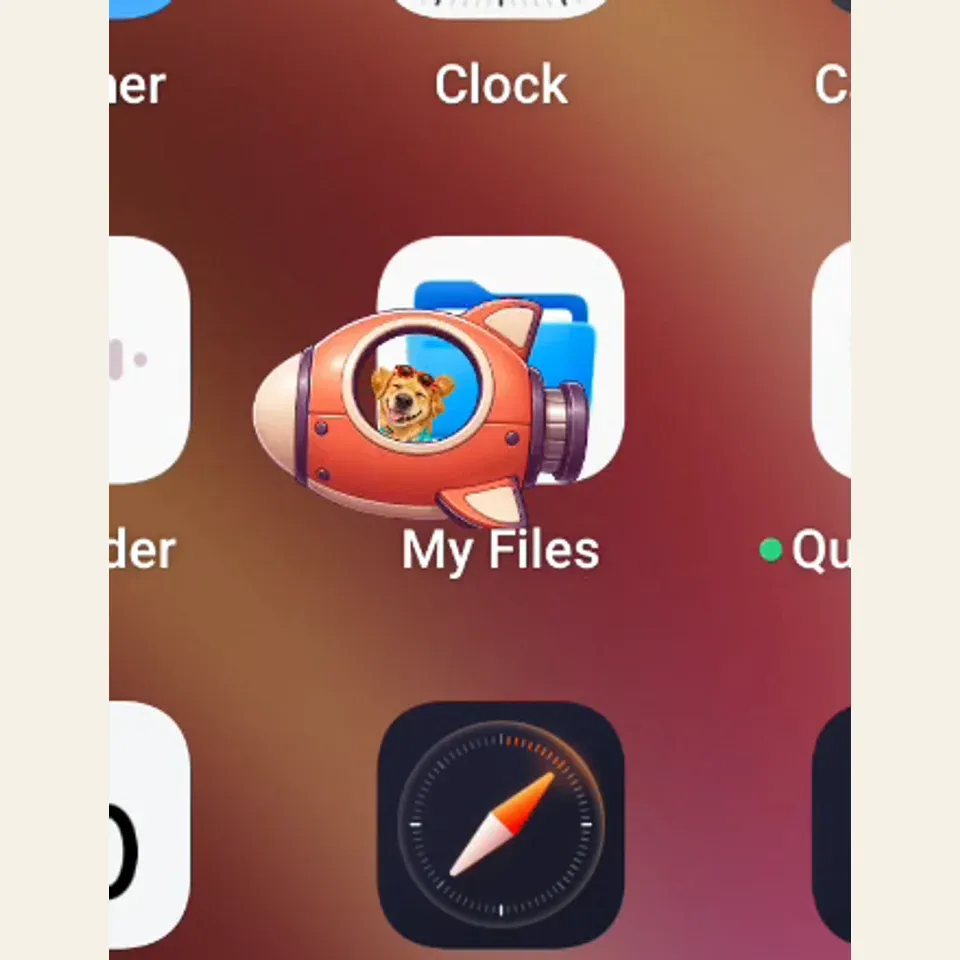
Taking its little ride
A familiar passenger makes the ride funnier
A random cute character can be entertaining. A character that carries a familiar expression has a joke built in before it moves.
Think of a photo where your dog’s nose is too close to the camera, or your cat is sitting in a way that makes no sense. You do not have to choose the most dignified image to create a companion. The moment that makes you laugh may be the one you most want to see again.
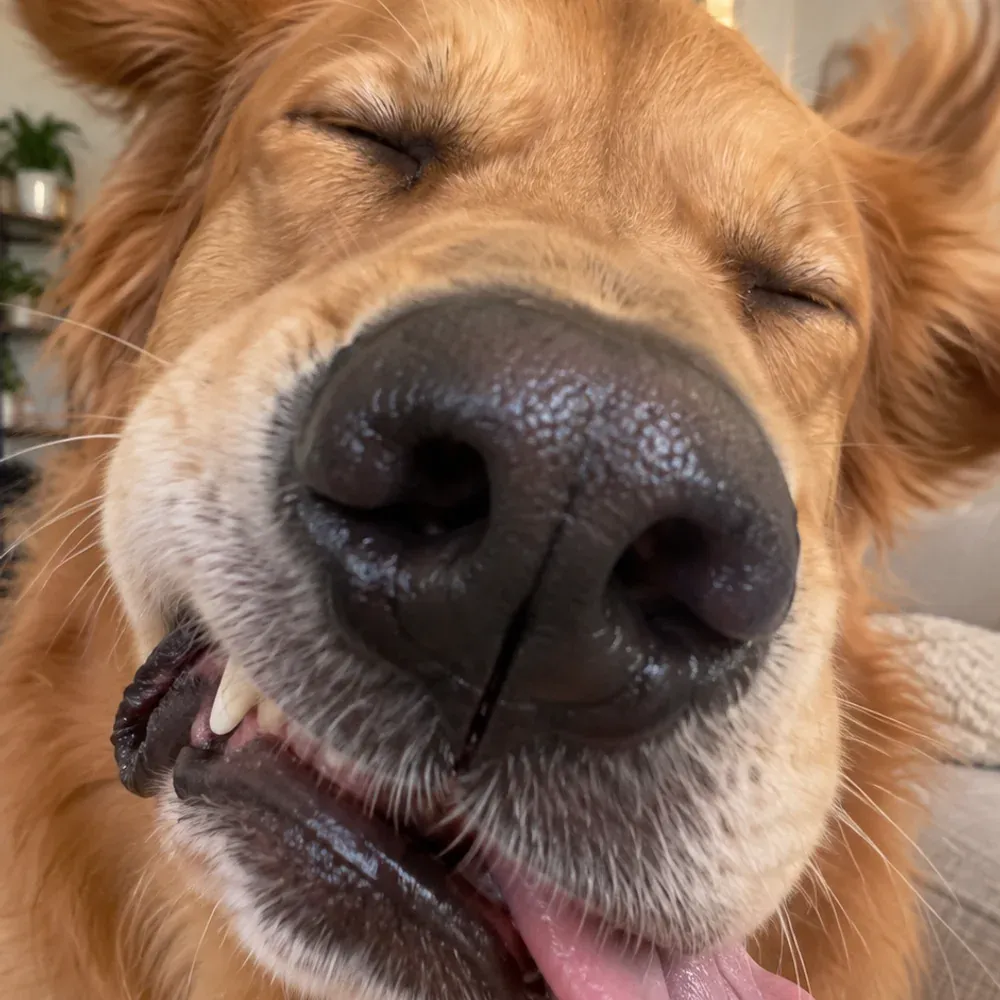
The source image for this internal creative example. AI creation interprets the photo, so details can change.
PetPip uses a photo or your own drawing as the starting point for a virtual pet. The result may simplify markings, change proportions, or dress the character differently. Look for the connection that matters to you: the coloring, the ears, the very particular face.
Once you have a companion you like, you can keep that identity and change its surroundings. A new ride does not mean creating another pet.
It can visit the screen you are already using
The Android floating pet does not have to stay inside its care room. It can appear when you leave PetPip, including while you are using other apps.
You can drag it to a comfortable place. Near an edge, it can become a small visitor that peeks out rather than sitting in the middle of what you are doing. When you want a longer visit, double-tapping the pet takes you back to Paws.
That makes the encounter different from opening a saved picture. You might be looking for an app and notice your own little dog at the side, ready to be moved somewhere else.
Give it a little spacecraft journey
Try dragging the companion and releasing it around the center of the screen. Its spacecraft journey turns the move into a short moment of play.
The fun is in that response to your touch: a character that began with your photo or drawing becomes a tiny passenger. Leave it near a side when you want it to wait quietly, then bring it out again when you feel like playing.
You can choose a ride in Paws → Spacecraft. Check the access shown for any design you want to unlock.
A tiny vehicle can give the same pet a different mood. A very serious cat and an extravagant little spacecraft are an especially good combination.
A room to return to, a ride for the way out
The spacecraft is part of the Android screen experience. The companion still has its place in Paws, where you can feed it, interact through touch, and follow its growth.
Its background changes the setting inside that room. Its spacecraft changes the little ride. Those are ways to enjoy the companion you already have, not reasons to keep replacing it.
And when you would rather have the screen to yourself, turn Show on screen off in Paws. That stops the floating display without deleting your pet. You can bring it back when you want the company again.
Start with a photo you would smile at twice
Choose a photo or drawing, create your companion, and then try taking it out onto your Android screen. Personal AI creation needs an internet connection and available generation credits, so check your allowance before starting. Results vary; keep the original image too.
The Android floating-pet guide covers enabling the display, moving the pet, and turning it off. Once you have it nearby, the backgrounds and spacecraft guide shows where to choose its setting and ride.
The first surprise is recognizing your pet. The next one is seeing where its tiny spaceship takes it.