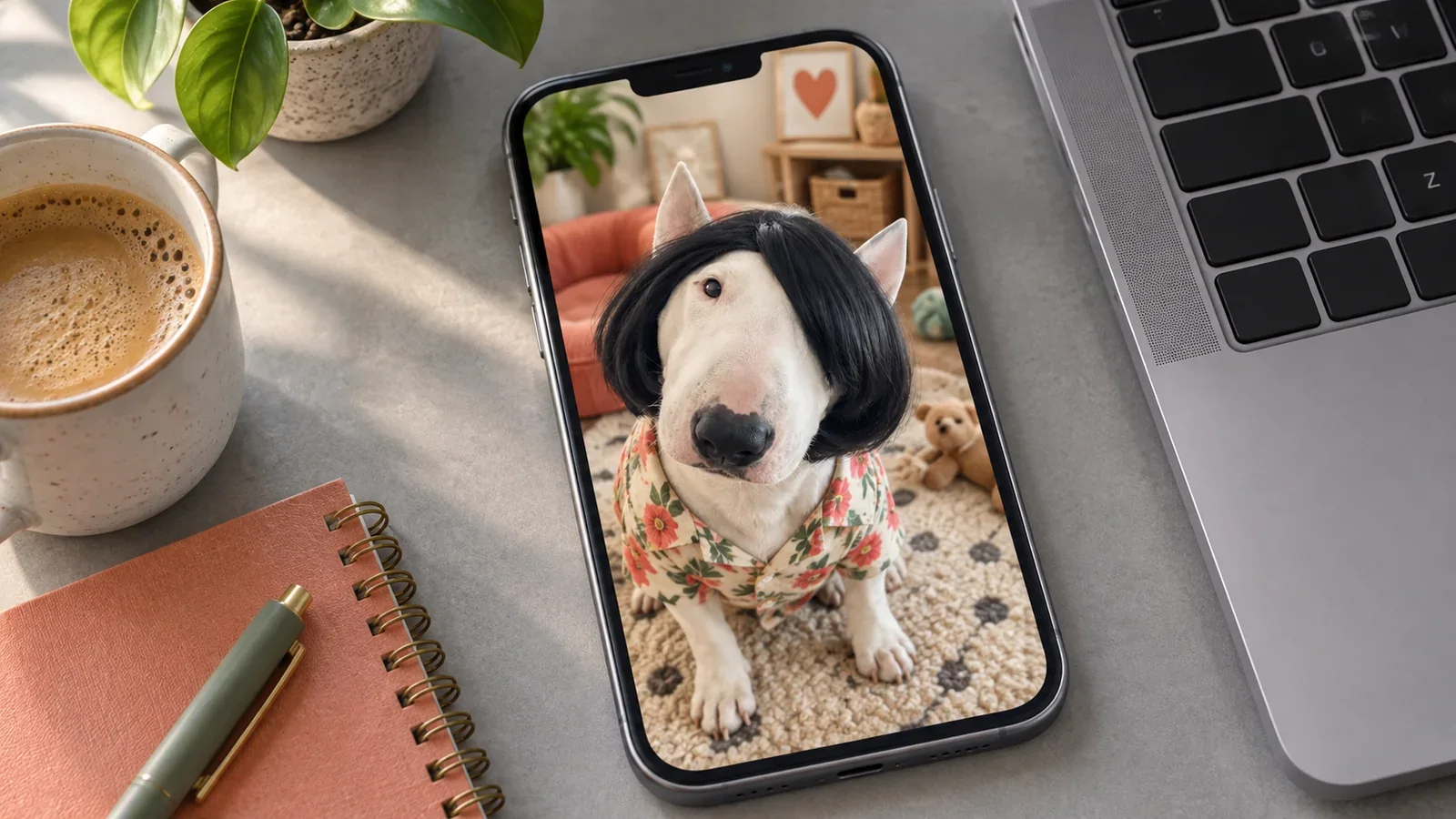
If your dog cannot come to the office, a small photo-inspired companion can still give you a familiar face to see during the day. It does not have to become another thing to manage: a picture beside your apps, a quick visit on a coffee break, or a little character waiting near the edge of your Android screen can be enough.
Missing your dog at work often arrives in an ordinary gap. You put down a coffee, reach for your phone, and think of the animal who would be inspecting every move if you were at home.
You are not looking for an entire new routine. Sometimes you would just like to see that face for a moment.
Illustrated office scene; the companion example below uses an actual PetPip recording.
Choose a face that makes the day feel more yours
The photo does not have to look professional just because you are going to work. A ridiculous expression or a very recognizable habit can be a better fit than a carefully posed portrait.
Think of the picture you would show someone while saying, “This is exactly what he is like.” It could be a suspicious sideways look, a nose too close to the lens, or the result of a truly unfortunate haircut.
That personal detail is what makes a phone companion different from simply choosing another cute character. You bring the history with you.
Give it one small place on your phone
On iPhone, a PetPip Home Screen widget can put your companion’s room beside the apps you already open. It is somewhere to glance when you check your personal phone, without having to make a separate visit every time.
On Android, the floating pet can appear while you use other apps. You can move it somewhere comfortable, let it peek from an edge, or give it a little spacecraft journey when you want a moment of play.
Choose whichever fits the phone you use: a familiar room beside your apps, or a small visitor you can move around the screen.
For the visible setup, use the iPhone widget guide or the Android floating-pet guide. You do not need to learn both to use the phone you already have.
Let the familiar detail survive the workday
PetPip uses a photo or your own drawing as the starting point for a virtual pet you can hatch, care for, and revisit. The team making PetPip also publishes this blog.
The example below comes from an existing internal creative project. A white bull terrier with an absurd black hairstyle became a little companion that keeps that unmistakable silhouette, even with a new outfit.
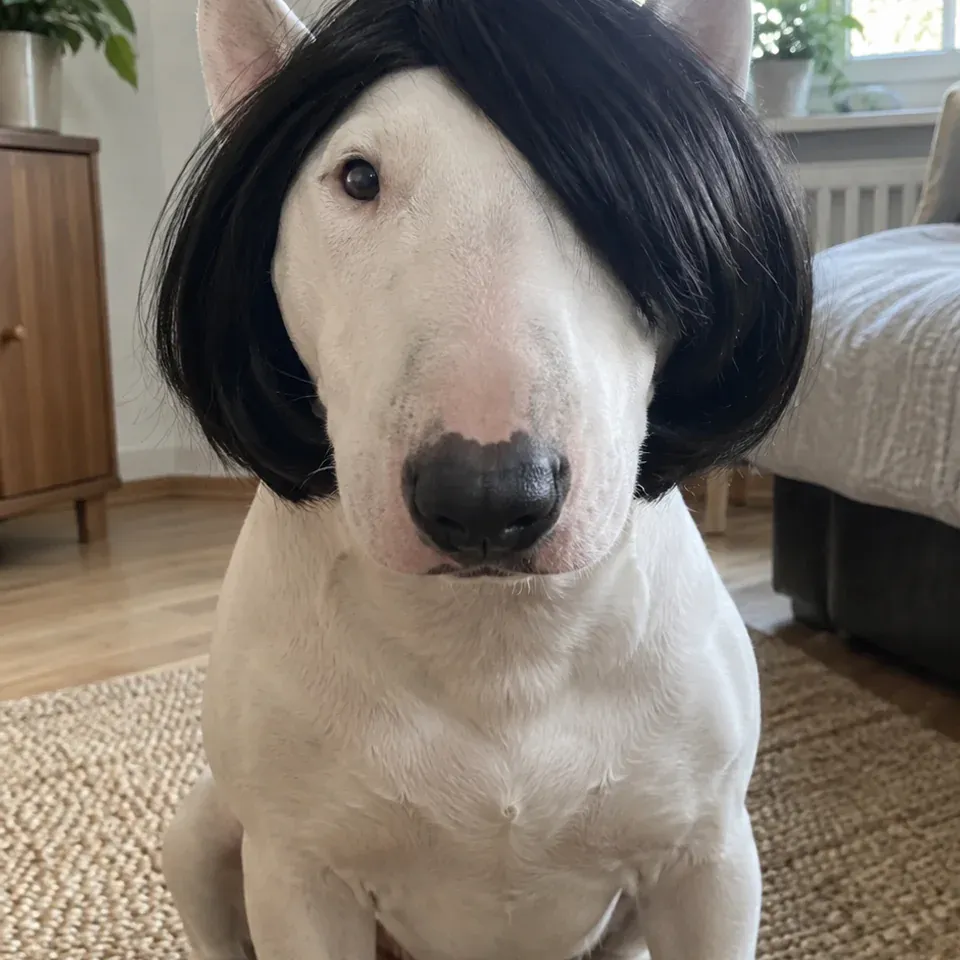
The recognizable detail
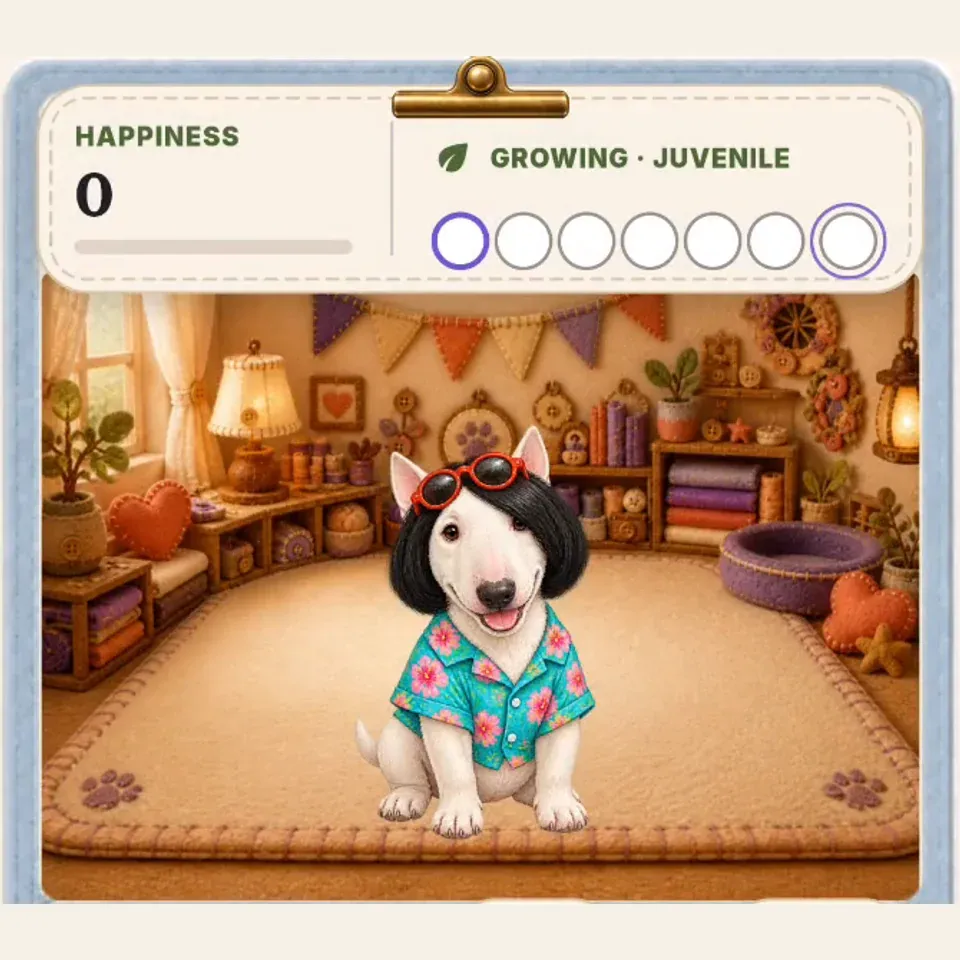
A little version to visit
You do not need an unusual hairstyle to make a character feel personal. A familiar ear, marking, or expression can be enough. The point is to keep something you recognize, not to give your pet a more office-appropriate identity.
Keep it to the moments you actually want
Try fitting the companion into a break that already exists: after you make a drink, during lunch, or before you put the phone away again. You can open Paws for a quick feed or touch interaction if you want a longer hello.
There is no need to turn every break into a pet-care session. If a floating character is not what you want during a meeting or a concentrated stretch, switch Show on screen off. The companion stays in Paws rather than being deleted.
Use your personal phone when it is appropriate for your workplace and the task in front of you. A little familiar company should fit around the day, not require you to keep looking at a screen.
For actual news about your dog, check with the person caring for them; the little phone character is there for play and a familiar hello.
A small hello now, the real greeting later
If you would like to try it, start with a photo that makes you smile and review the creation choices in PetPip. Personal AI creation requires an internet connection and available generation credits; check the allowance before creating, and keep your original photo.
Try one place in the workday: a glance at the widget with your morning coffee, or a small spacecraft ride during lunch. Keep the companion where you enjoy seeing it, and put the phone away when the break is over.
At the end of the day, there is still the real dog and the real greeting. The little version is just a way to bring a familiar bit of that relationship along until then.