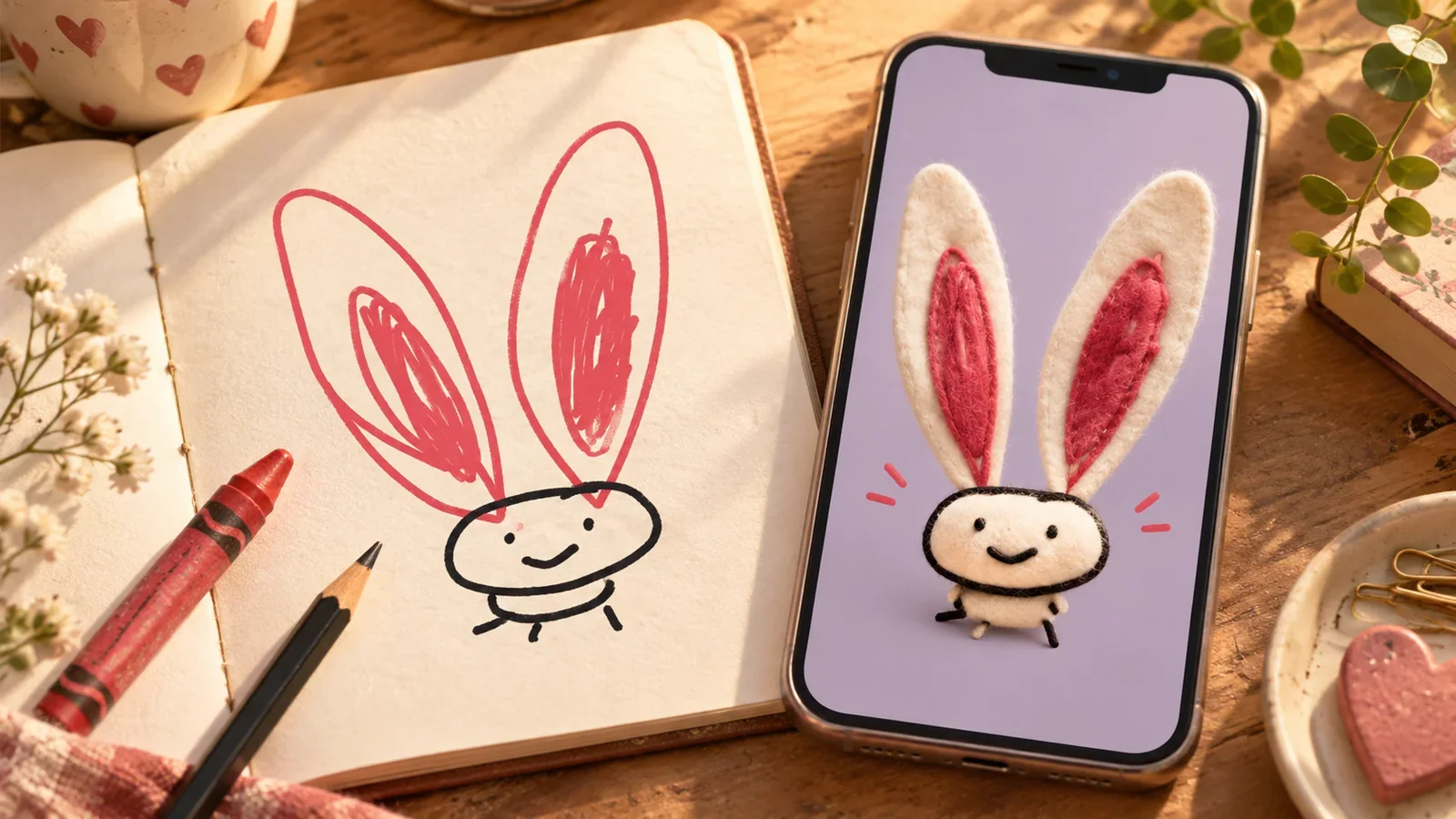
A custom Shimeji and an AI-created screen pet can both give you a character that feels like yours. The useful difference is what you want to control: every animation frame, a familiar photo cutout, or a newly interpreted companion you can continue caring for.
Before choosing a tool, decide whether you want to make an animation asset, decorate your screen, or begin an ongoing virtual-pet experience. Those goals can overlap, but one app does not necessarily cover all three.
Disclosure: PetPip publishes this comparison. Named third-party capabilities were checked against developer material in October 2026; they are not claims of compatibility with PetPip.
Choose the kind of customization you mean
| Approach | You begin with | What you get to make yours | A useful question |
|---|---|---|---|
| Sprite-based Shimeji editing | Drawings of the character in different poses | Its walk, expressions, and small gestures | Would I enjoy drawing the poses, and can I use the result on my phone? |
| Photo-based screen character | A photo or cutout | The exact face or funny moment you chose | Do I want to keep the original photo look? |
| AI-created virtual pet | Your photo or drawing | A new interpretation of a familiar pet or your own idea | Does it still feel like mine, and what can we do together afterward? |
Before starting a custom Shimeji project, check that your chosen app can use the character you plan to make. A computer tutorial may lead to a different result from the one you want on your phone.
If you want to direct every pose
Consider sprite editing if making the sleepy face, little walk, and hand gestures sounds like the fun part. You draw the poses your chosen app needs, then watch how they look together in motion.
For example, the Shimejis.xyz editor describes replacing 46 sprite images for its custom-character workflow. That is one editor’s requirement—not a rule that every Shimeji app needs 46 hand-drawn frames.
The work can be satisfying if you enjoy drawing animation. It also asks for consistency: a character should keep its size, outline, and recognizable features as frames change. Check the target player and export instructions before spending time on the artwork.
Use characters and art you own or have permission to adapt. Finding an image online does not automatically grant the right to redistribute a character pack.
If you mainly want a familiar photo on screen
A photo-based character may be enough if seeing the exact face matters more than a new visual interpretation. Some mobile screen-pet apps already support custom photo input; it would be misleading to describe the whole category as preset anime characters.
The Google Play description for Shimeji: Custom Pet On Screen, for example, includes photo-based creation. When checking an app like this, look at the actual result: is it a cutout, a generated character, or a catalog pet with a photo attached? Those can feel different in daily use.
Look at where the pet will join you, too. Do you want it moving around while you use other Android apps, or waiting in a little room beside your iPhone app icons?
If the character is the beginning of a relationship
PetPip takes a photo or an in-app drawing as a starting point for a virtual companion. The interpretation is not an exact photo cutout, and AI results can vary. What matters is whether the result keeps the feature you cared about: the ears, a coat pattern, a comically large nose, or the strange tail you drew.
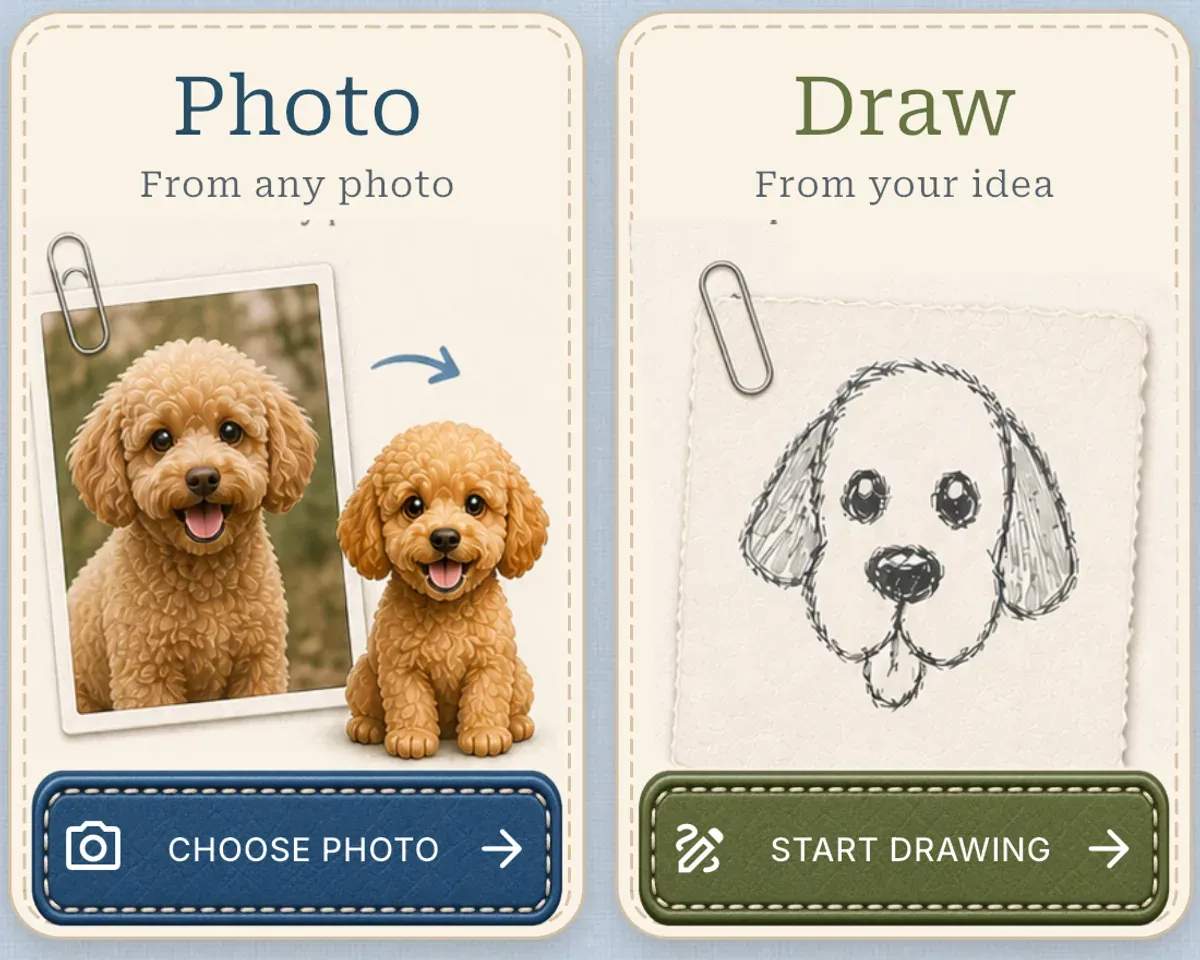
Start with a photo you love or a character you have been wanting to draw.
After creation, the companion can hatch, respond to touch, be fed, join focus time, and grow. On Android it can keep you company while you use other apps, with a little spacecraft ride along the way. On iPhone, give it a Home Screen room and enjoy quick Lock Screen or Dynamic Island glances. The same character you chose to make becomes the one you return to.
If the character exists only in your imagination, the PetPip drawing guide explains the in-app process. AI creation needs an internet connection and available generation credits; review the app’s allowance and terms before starting.
Three questions to settle before you create
- Do I want to draw every pose myself? Sprite editing gives that part of the project a larger role; AI creation is a different way to interpret your starting idea.
- Must it use the exact original photo? Compare photo-cutout approaches with interpreted artwork before committing.
- What will I do after it appears? Screen decoration, animation-making, and caring for a companion are different reasons to return.
PetPip is not a Shimeji pack editor or a shortcut for converting downloaded character packs. It fits when you want to begin with something personal and continue beyond the first image. If the Android screen presence is the part that interests you, see the floating-pet setup before choosing your source.