If a real pet is not possible in your life right now, a digital companion can give you something smaller and different: a character you create, name, care for, and see again. You do not need a pet of your own—or even a pet photo—to begin.
Maybe your home is not the right place for an animal, your routine changes too often, or you simply know that now is not the moment. You can take that decision seriously and still enjoy making a little creature that feels like yours.
You can begin in two ways: draw a character if you want to invent its appearance, or choose a ready-made companion if you want to start getting to know one. Both give you a little creature to return to.
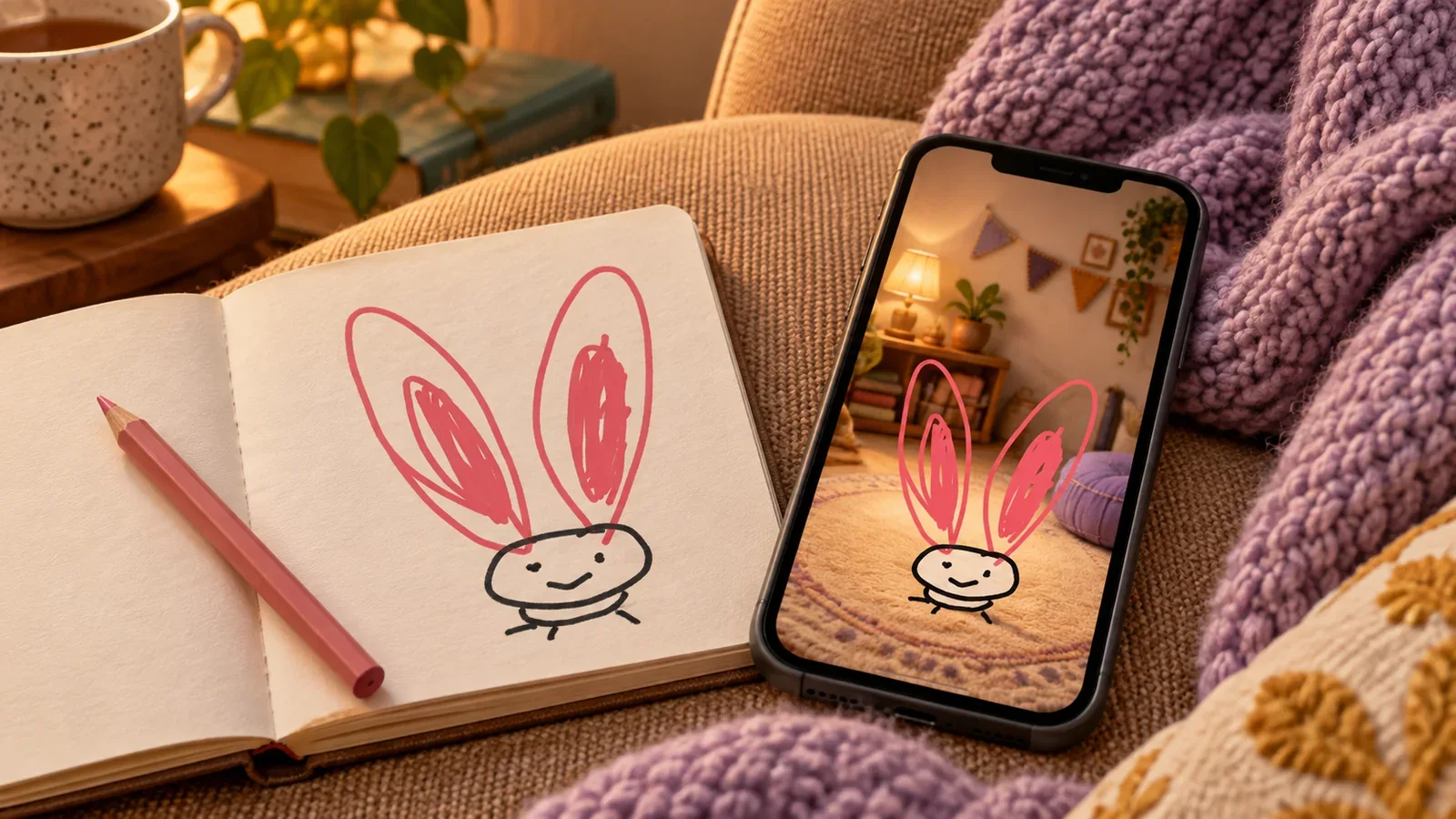
Illustrated cover based on our long-eared rabbit; the drawing and room views below are actual App recordings.
Choose a companion you would enjoy visiting
You might imagine a rabbit with ears longer than the rest of its body, a round dog with three tufts of hair, or a cat whose tail never quite fits on the page. There is no need to find a photograph that proves the creature exists.
One memorable feature is enough to start: big ears, an uneven face, or a peculiar color choice. You can enjoy making something small without taking up drawing as a hobby.
If you would rather choose a character, browse PetPip’s Discover area from Create. Look for a face you would like seeing again, then follow the adoption or access shown for that companion. Check any PRO requirement before choosing. You can use this route without a personal pet photo or a drawing.
A real example: the ears became the personality
In an approved internal PetPip demonstration, a simple rabbit drawing ended up with enormous pink ears and almost no room left for its body. The actual App recording then shows that same recognizable doodle in its room, moving and being fed.
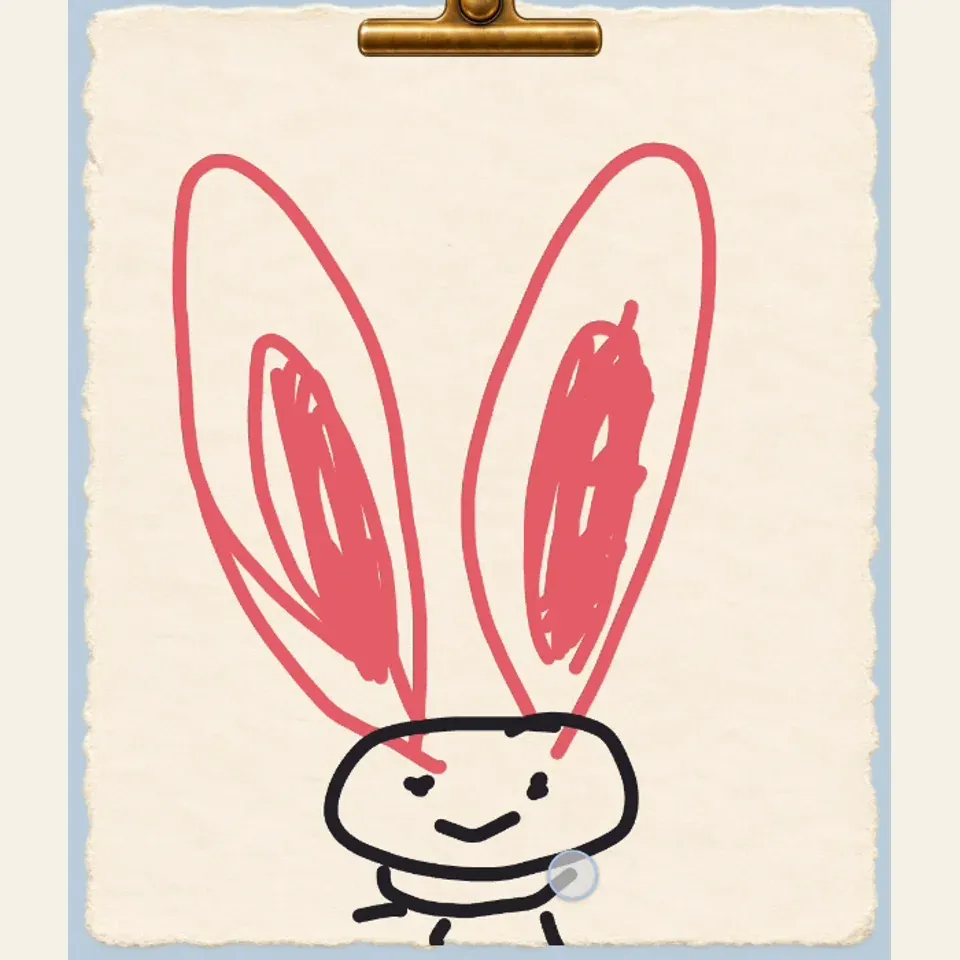
A few lines and very big ears
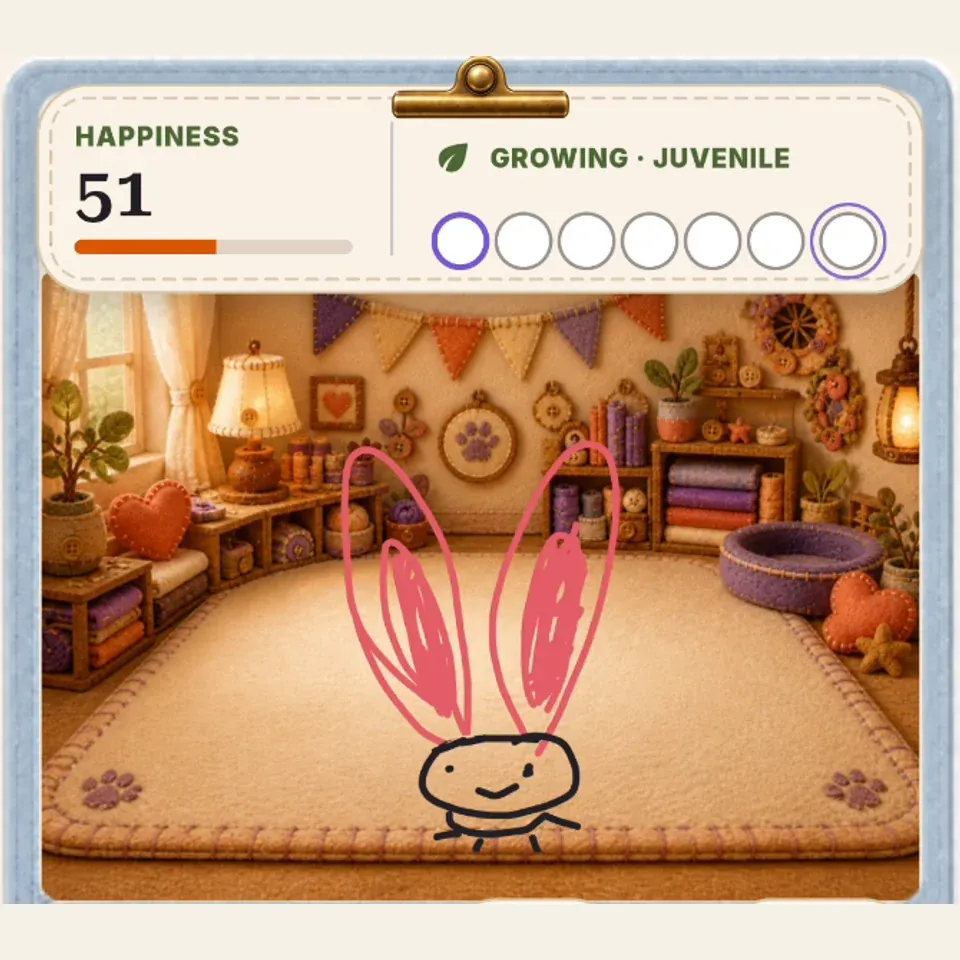
The character has somewhere to live
The appeal is not that it turned into a perfect rabbit. It is that the silly decision survived. You can recognize the thing you made when you return to it.
Your result may interpret a drawing differently. The example shows one observed outcome, not a promise that every line, proportion, or style will stay unchanged.
If you want to draw, keep the first attempt simple
For a first attempt, draw one character with a clear outline. You do not need shading, correct anatomy, or a long explanation of what every mark means.
In PetPip, start from Create → Draw → Start drawing. Review the style and creation choices, and check the available generation credits before submitting. Personal AI creation needs an internet connection.
If you prefer paper, take a clear picture of the drawing and use the Photo path. Use your own work or material you have permission to use, and keep the original.
The drawing-to-screen-pet guide covers the steps when you are ready. If you chose a Discover companion, you can continue straight to visiting it in Paws.
Let companionship happen after the first reveal
Give the companion a name you enjoy saying, then try an available room background that suits it. For a personal creation, the hatch leads into feeding, touch interactions, and growth. For an adopted character, use the actions available in its Paws view; care options can differ by companion. This article is published by the team building PetPip.
A first visit could be as simple as choosing its name and room. On another evening, return for a little interaction or see how your personal companion is growing. There is room to enjoy the character without making a large project of it.
On iPhone, its room can have a place on your Home Screen through a widget. On Android, a floating version can appear while you use other apps, peek from an edge, or take a spacecraft ride. Choose the amount of screen presence that suits you; a quiet corner is as valid as a playful visitor.
With a drawing, you decide the ears and the strange little face from the beginning. With a ready-made character, you start with a design you like and build a familiar routine around visiting it.
Keep the difference between a digital pet and a real animal
A digital companion does not need a home that can accommodate an animal. It also cannot give you physical company, go for a walk, or form the relationship a living animal can.
Feeding a doodle is play, and returning to a character you chose or created can be satisfying on its own terms.
If a real pet becomes possible later, that is a separate decision. You do not need to frame today’s little character as either practice for ownership or a permanent substitute.
Begin with one detail you would want to see again
If you want to try, sketch the creature you keep imagining or look through Discover for a character that makes you smile. Choose one to meet first.
Give it a name and somewhere to live on your phone. The pleasure is having a little companion you look forward to seeing again, whether you drew its first line or chose its familiar face.