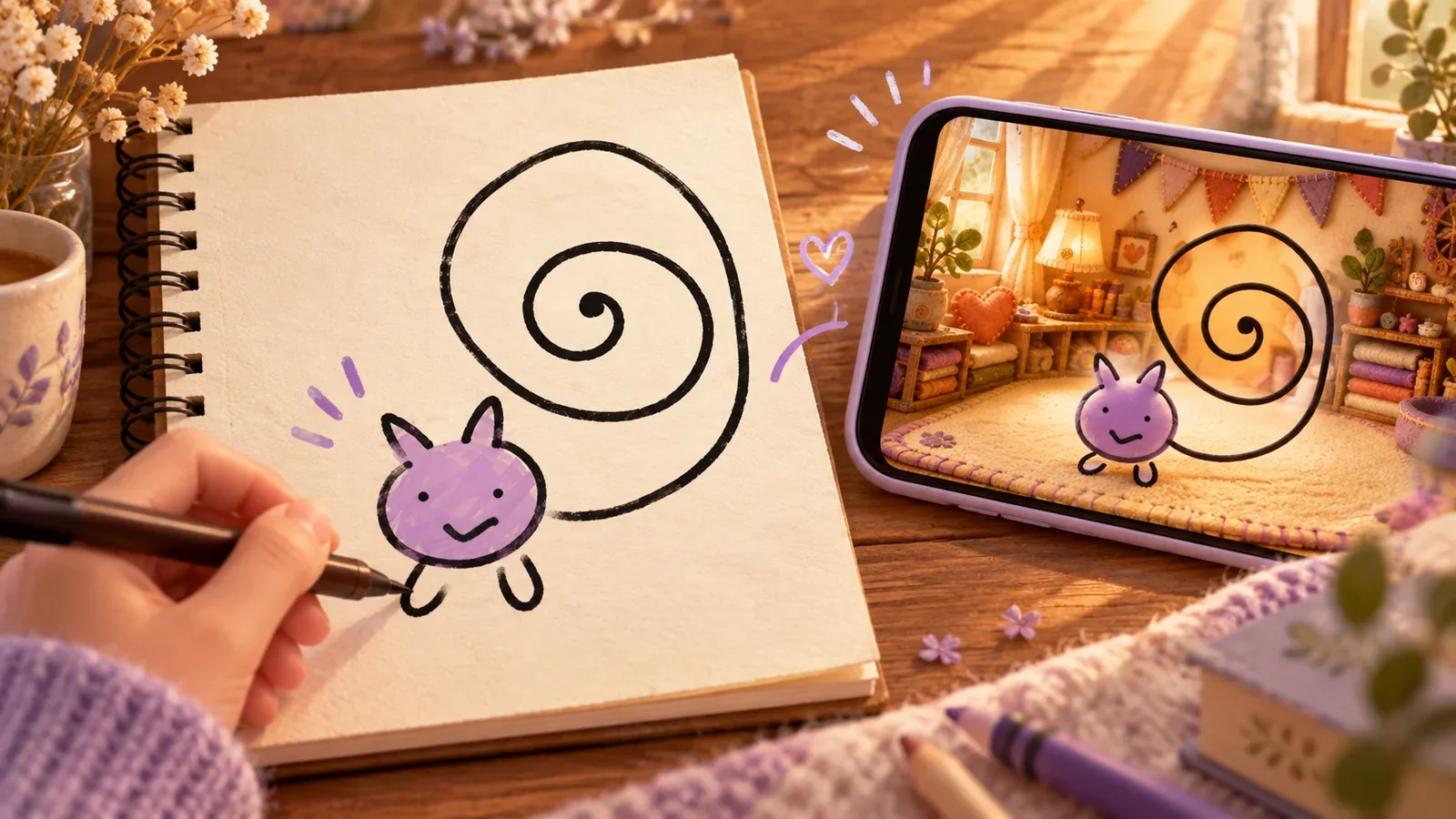
To bring a drawing to life, first decide what “alive” should mean. Do you want a finished illustration, a character that moves in a clip, or a virtual pet you can keep visiting? The best tool for your idea depends on that answer—not just how impressive its first example looks.
A rough doodle can work for any of those projects. Before polishing it, notice which detail gives it personality. The crooked grin or oversized ears may be the very thing you do not want a tool to correct away.
Choose the result before choosing the tool
| You want to… | Look for… | Check the finished result for… |
|---|---|---|
| Print, save, or share a polished picture | An image-generation or illustration workflow | Recognizable features, useful resolution, and permitted uses |
| See the drawing move in a clip | A drawing-animation workflow | Supported poses, motion controls, and export format |
| Keep spending time with the character | A virtual-pet workflow | Personal creation, care, growth, and supported screen presence |
You can enjoy more than one result from the same drawing: keep the original sketch, make a picture to print, or give the character an ongoing place in your day.
A finished picture: when the image is the thing you want
Choose an illustration workflow if the drawing is meant to become a poster, a profile picture, or a scene you can save. Here the final image is the main deliverable.
Decide which parts should remain stable before changing style. For a long-eared rabbit, you might care about the ear-to-body ratio, its uneven face, and the little gap between its feet. Color, texture, and background could be more flexible.
A pretty result is not automatically a faithful one. Compare the output with your sketch, not only with other polished examples. If all the awkward details disappear, you may end up with a pleasant character that no longer feels like yours.
Animation: when movement is the project
Choose an animation workflow if you want to watch the drawing dance, walk, or perform an action in a clip. Meta’s Animated Drawings demonstration is an example of a tool designed to animate sketched characters.
Drawings Alive offers image, video, and 3D options. Choose the one that matches what you want to do with the drawing: keep a picture, watch a clip, or explore a model.
For animation, a clear silhouette and separable limbs can matter because the tool needs to understand the body. That does not mean every character needs realistic anatomy. It means the drawing should give the chosen workflow enough information for the movement you want.
Before spending time on a clip, check that you can save and share it the way you want. Watching a preview and keeping a video on your phone are not always the same option.
A virtual pet: when you want to return tomorrow
Choose PetPip when you want a companion to return to, rather than a video clip to export. Draw in the app, choose a style, and meet the interpreted character. Then hatch it, touch it, feed it, spend focus time together, and watch it grow.
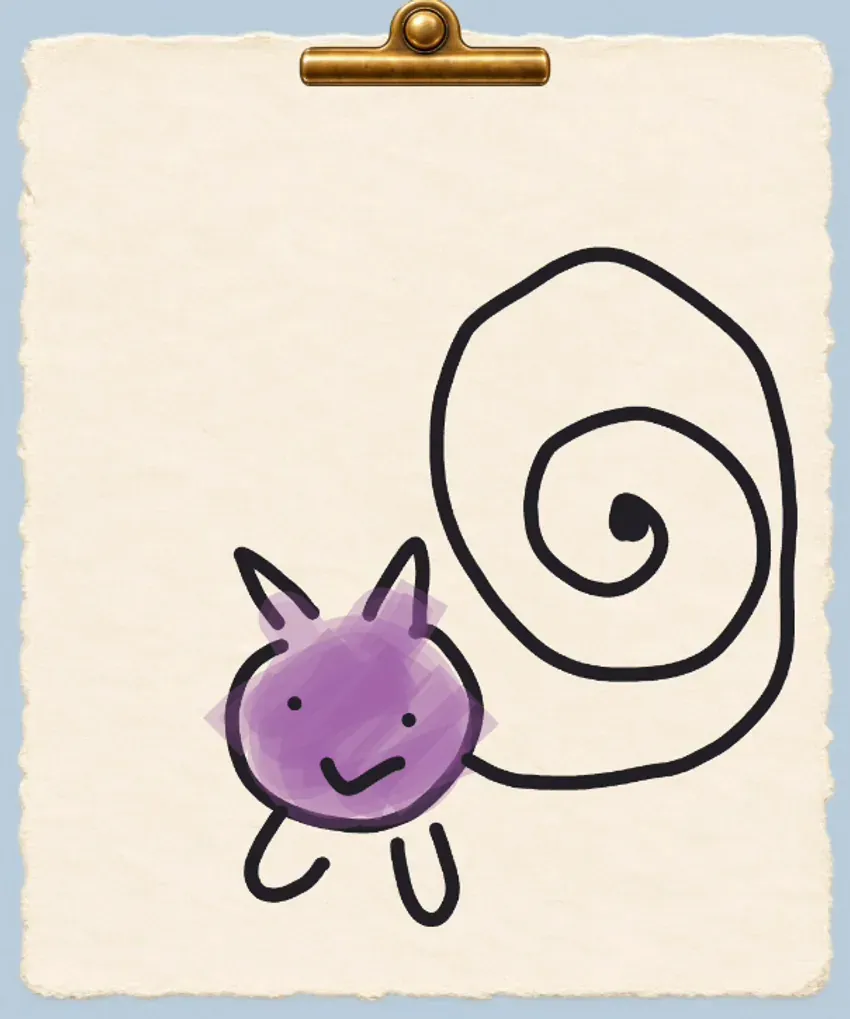
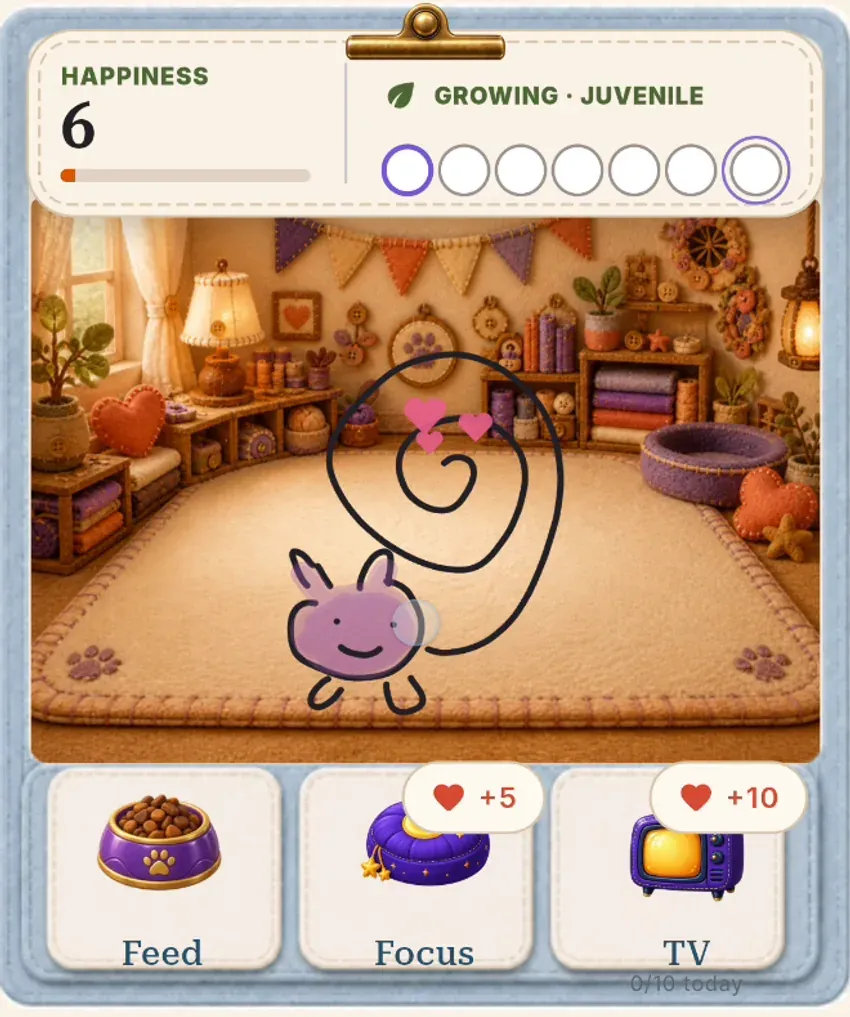
A simple drawing and its companion in a PetPip product recording. Your own result will be an interpretation of your character.
The distinction is what happens tomorrow. You are not only choosing an image to keep; you are making a character you might look for again. Let it join you while you use your Android phone, or give it a little room beside your iPhone apps.
Use the drawing-to-pet guide for the actual steps. An existing paper drawing follows the Photo route instead of being imported into the drawing canvas. AI creation uses an internet connection and available generation credits. If you are choosing a tool for a child, check age requirements and supervision: PetPip’s current store rating is 13+.
Keep one unmistakable detail
Whichever output you choose, write down one thing that must survive: “the enormous ears,” “the tiny body,” or “the grin on only one side.” That gives you a better way to judge the result than “make it better.”
You can simplify clutter while keeping the oddness. Our imperfect-drawing examples explain why a clean drawing is not the same as a personality-free one. The point is not to turn every sketch into a professional mascot. It is to give your own idea a form you will enjoy seeing again.
PetPip publishes this guide. Named tool capabilities were checked against developer material in October 2026; outputs and requirements should be checked in the tool you choose.